In our recent look at webhooks, we discussed an inherent weakness: an HTTP POST can easily become a point of failure if not designed for idempotency and retries. Similarly, as B2B SaaS products rush toward an agentic future, we are facing a weakness of a different kind: probabilistic executions.
The current industry trend is to give an LLM a massive library of atomic actions: API calls like Create_Invoice, Delete_User, or Update_Contact. However, giving a non-deterministic model direct access to your API introduces substantial risk.
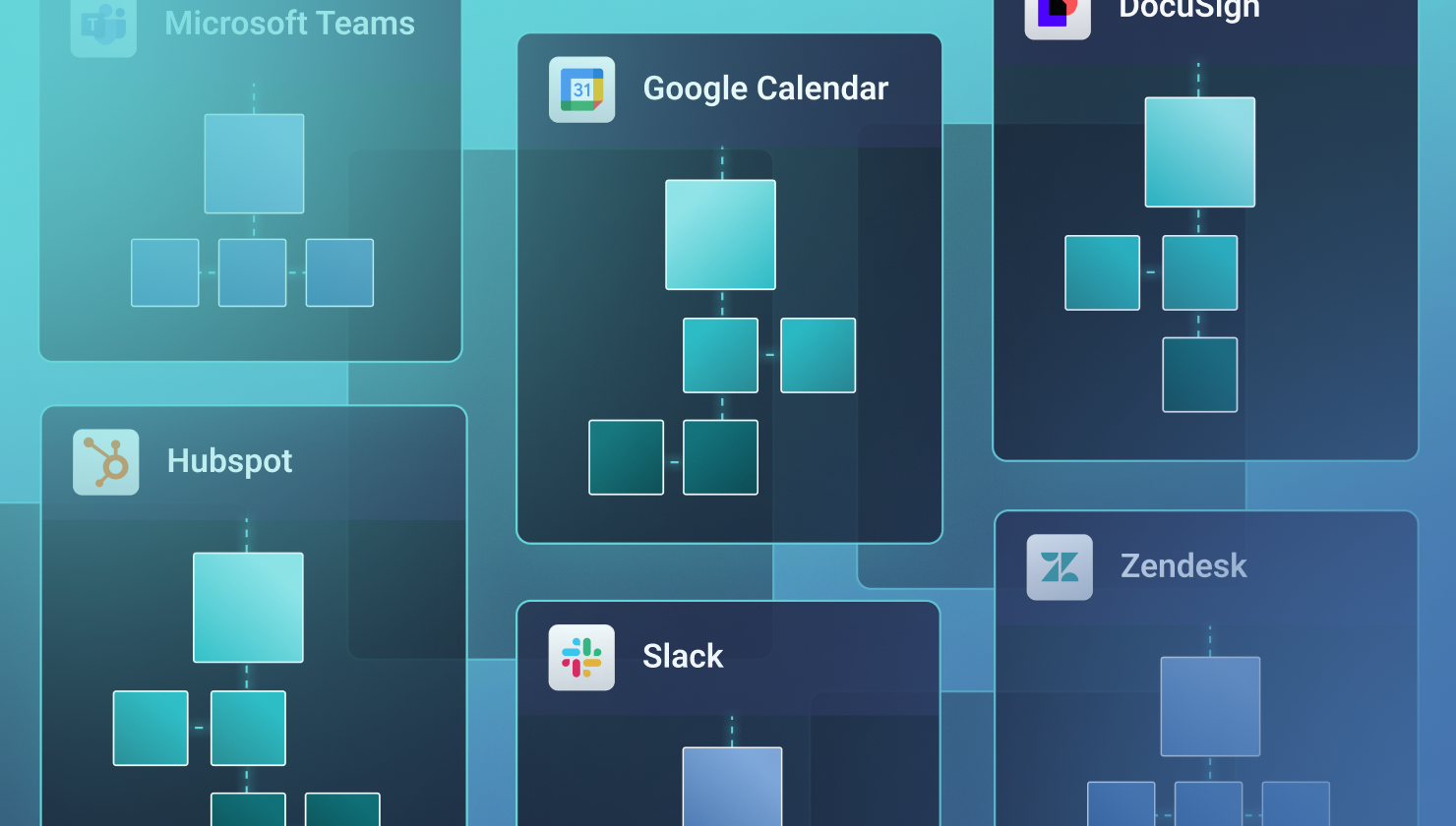
That's why we've intentionally determined not to use this raw action model. Instead, Prismatic provides AI agents with a selection of pre-defined flows via our MCP flow server.
That distinction enables AI-powered integrations to work the way they should.
Determinism vs probability
At the heart of the agentic integration problem is a clash of two opposing frameworks. Your B2B SaaS platform is deterministic. When users click a button, they expect a specific, repeatable outcome based on hard-coded logic. An LLM, however, is probabilistic. For example, it doesn't know how to sync data; rather, it predicts the next most likely token in a sequence describing syncing data.
When you bridge these two worlds using atomic actions, the LLM is managing the interactions. It determines the order of operations, handles the data mapping, and generates error logic on the fly.
However, in a production environment, this probabilistic approach is high-risk.
| Atomic action (Probabalistic) | Prismatic flow (Deterministic) | |
|---|---|---|
| Logic owner | The LLM (real-time prediction) | The engineer (pre-defined logic) |
| Data mapping | Handled by the prompt/model | Hard-coded or transformed via script |
| Retries | Model decides if it retries on error | Built-in retry and alerting rules |
| Security | Requires broad API permissions | Bound to specific, scoped flow inputs |
Each flow is a logic sandbox
Think of a flow in a Prismatic-run integration as a logic sandbox. When an agent triggers a flow via the MCP flow server, it isn't running code in the traditional sense. Rather, it is passing a set of structured parameters into a pre-validated execution environment.
Just as we discussed with webhooks (where you should not trust the incoming payload without verification) you cannot trust an agent's intent without a deterministic wrapper. A flow allows us to establish:
- Input validation – We can reject an agent's request before it hits the third-party API if the query doesn't validate against the schema.
- Multi-step atomicity – We can ensure that if Step A (Create User) succeeds but Step B (Assign License) fails, the system rolls back or contacts a human, rather than leaving the system in an inconsistent or unresolved state.
- The human-in-the-loop gate – We can require a manual "Approve" button for any flow the agent identifies as high risk, such as bulk deletions or financial transfers above a certain amount.
Context engineering via MCP
In a traditional API, documentation is for humans. In an agentic world, metadata is documentation. When we talk about MCP, we aren't just talking about a transport layer. We are also talking about a discovery protocol. If you give an agent 327 atomic actions, it may well suffer from context bloat as it attempts to sort through the noise to find the signal.
By using flows, we simplify the agent's decision tree to only include valid branches. We provide a high-level description of a business outcome, not a technical execution.
- Intent over implementation – Instead of the agent seeing
POST /v1/thing, it sees a tool namedGenerate_Thing. The agent doesn't need to know that this flow touches QuickBooks, sends a Slack notification to the account manager, and updates a row in your Acme app. That complexity is abstracted from the user and the agent. - Reducing hallucinations – One of the biggest issues with raw API access is the model pulling required fields out of thin air. In a flow, for example, we can define a strict JSON schema for the input. If the LLM passes a string where a UUID is expected, but there is no UUID, the MCP flow server rejects the call. Instead of asking the LLM to try its best to reach an answer, we are forcing it to adhere to the contract as defined.
- Semantic search – By providing rich metadata at the flow level, we enable semantic discovery. The agent can search available tools to find the one that best matches the user's natural-language request.
Example: AI-powered incident monitoring
The concepts above are easier to reason about when you can see them applied to a concrete problem. The slack-acme-incident-monitoring example in our examples repository puts it together: an AI agent that monitors a system for anomalies, decides when a real incident has occurred, requests human approval over Slack, and then creates and assigns the incident.
Two flows power the integration. The Create Incident flow is the MCP-exposed, deterministic piece of the equation. The New Incident Alert flow handles inbound requests, receives anomaly payloads, and routes them to the AI agent for analysis. Together, they show why the boundary between "what the agent decides" and "what the platform executes" is the most important line you can draw.
Getting data to the agent
The alert flow is intentionally thin. Its job is to receive an incoming anomaly payload (a webhook from your monitoring system) validate that it is structurally sound, and hand it off to the AI agent for analysis. The agent does not write anything from here; it only reads and analyzes.
1234567891011121314151617181920
The key constraint is that analyzeAnomaly does not give the model API credentials or a list of raw endpoints. It gives it a natural-language description of the anomaly and a narrow set of tools it may call – those flows registered via the MCP flow server.
The deterministic wrapper
This is where the architecture earns its value. The Create Incident flow is what the MCP flow server exposes to the agent. When the agent determines that a real incident has occurred and a human has approved action, it calls this flow by name and gives it a structured input. The flow does everything else.
1234567891011121314151617181920212223242526272829303132333435363738394041424344454647484950515253545556
Here's what the agent can't see: the Acme API client, the Slack credentials, the on-call lookup logic, or the Slack block schema. From the agent's perspective, it called a tool named Create_Incident with a title, a severity, an affected system, and a note about who approved it. The flow handled everything else.
The human-in-the-loop gate
Before the agent ever calls Create_Incident, it must first get a human to say yes. This is the approval step, implemented as an interactive Slack message with action buttons. The agent posts the proposed action, "I believe this is a SEV-2 incident for the payment processing system. Should I create and assign it?" Only after a team member clicks Approve does the agent proceed to invoke the flow.
123456789101112131415161718192021222324
This is the human-in-the-loop gate described earlier in this post. It isn't bolted on after the fact. It is a critical part of the agent's decision tree. The flow cannot be called without it.
What the MCP flow server exposes
From the MCP server configuration, the agent sees something like the following.
12345678910111213141516171819
The agent is not given POST /v1/incidents, a list of Acme API endpoints, or a Slack token. It is given a business-outcome description and a contract it must satisfy. If it passes a string where severity expects one of three enum values (and none of those values are present), the MCP flow server rejects the call before it reaches Acme's API. If it omits affectedSystem, the flow's own validation layer catches it. The model is never in a position where a hallucinated field name can corrupt a production record.
End-to-end, the integration works like this:
- A monitoring tool triggers a webhook to the
New Incident Alertflow. - The flow passes the anomaly payload to the AI agent.
- The agent analyzes the anomaly and, if warranted, posts an approval request to Slack.
- A human reviews the proposal and clicks Approve (or Dismiss).
- The agent calls
Create Incidentvia the MCP flow server with the approved parameters. - The flow creates the record in Acme, looks up the on-call engineer, and sends the Slack notification.
- The agent receives a structured response confirming the incident ID and assignment.
The agent drives steps 2–5. The integration owns steps 1, 6, and 7 in their entirety. The agent contributes judgment and the flows contribute reliability.
What's the goal?
The goal for a B2B SaaS company shouldn't be to just add AI to its product's integrations. Instead, the goal should be to incorporate AI into integrations because doing so creates value, while also mitigating any AI-related risks this might introduce.
Prismatic enables a deterministic, flow-based integration architecture that does exactly that. When you incorporate LLMs into those integrations along with the MCP flow server, you gain AI-driven results with reliability and consistency, ensuring long-term value and viability.
Check out our docs to see how we are using AI with integrations to make things easier and more efficient for you and your customers.