
Embedded Workflow Builder

Benefits of embedded workflow builder for SaaS products
- Customers build the workflows they need, including the ones you would never build for everyone.
- Win and retain enterprise accounts with self-service automation.
- Reduce one-off requests by letting customers configure their own workflows.
- Increase stickiness and retention as customers embed critical processes in your product.

Provide low-code building blocks
Add custom components that connect to your product's API and the tools specific to your industry. You control which connectors, actions, and templates are available to each customer or use case, so customers build the workflows they need while staying within your governance policies.
Provide a seamless experience
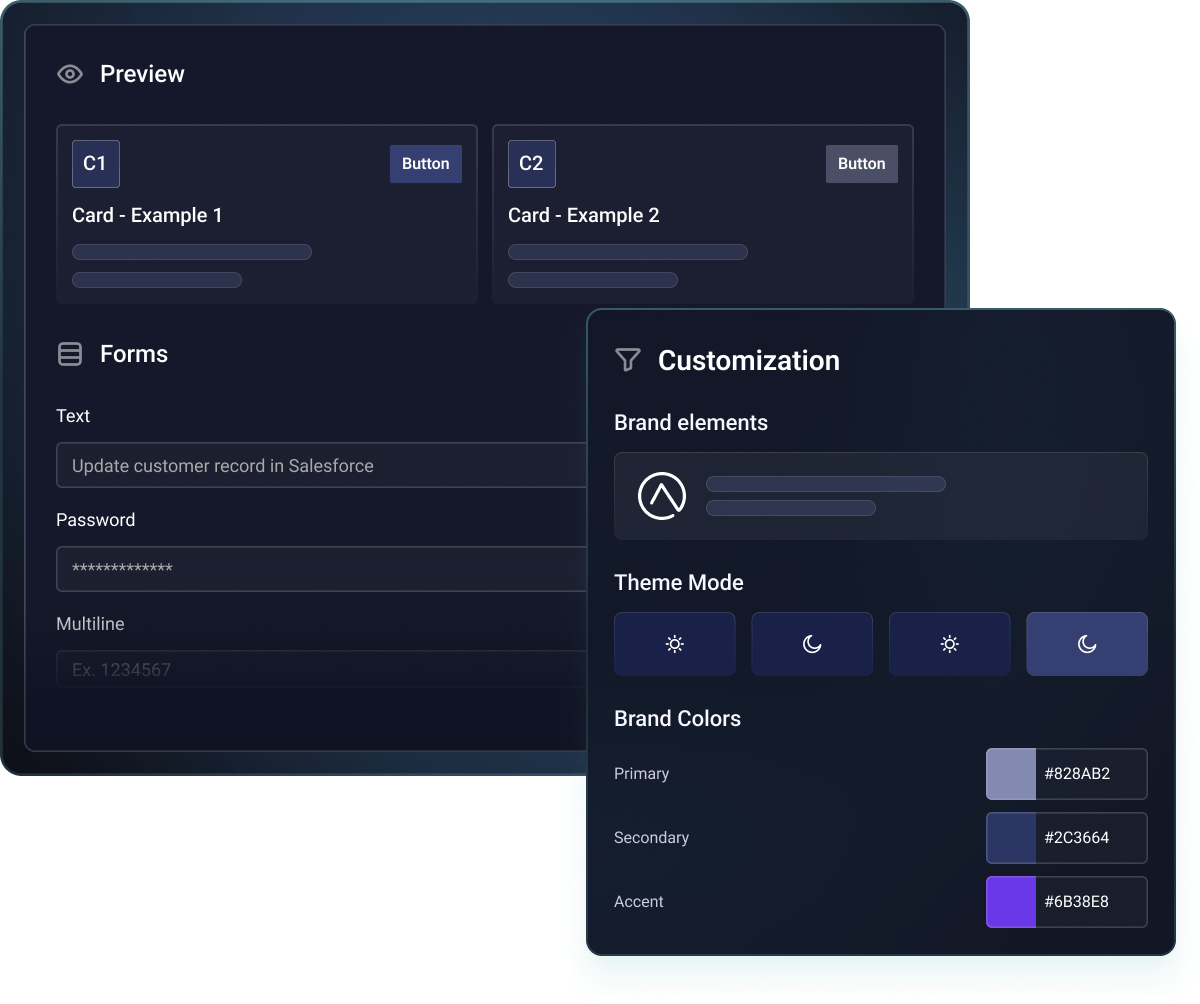
You get a workflow builder without building it yourself. Your customers get a native experience without knowing Prismatic exists.
Don't take our word for it







Common questions
An embedded workflow builder is a visual, no-code/low-code interface that lives directly inside your product, letting your customers create and customize their own automations without leaving your app or submitting a support ticket. Instead of your team building one-off workflows for your customers, you expose a selected set of triggers, actions, and logic components that customers assemble themselves. It's white-labeled to match your product's look and feel, so it feels like a native feature, while you retain control over what's configurable.
Workflow automation is the outcome: a defined sequence of steps that runs once triggered, like syncing a new lead to a CRM. A workflow builder is the tool used to create that outcome. It's the visual canvas, actions, and configuration options used to design the automation in the first place. Automation is what runs; the workflow builder is the interface your customers use to define and manage that automation over time.
Yes. The visual, drag-and-drop interface is designed for business users, not developers. Your customers can connect systems, set up triggers, map data, and create complex workflows without writing code. Most users are building their first automation within minutes.
Complete control. You decide which components are available, set execution limits, control which systems they can connect to, and define guardrails around data access. Monitor all workflows and set governance policies that protect your infrastructure while giving customers the flexibility they need.
Customers get self-serve debugging tools with detailed execution logs and error messages they can understand. They can test, troubleshoot, and fix their own workflows. Your support team gets full visibility when needed, but most issues are resolved without a support ticket.
Flexible pricing models let you charge based on active workflows, executions, or include it as a premium feature. Some customers have seen a 3 to 5x ARPU increase by offering workflow automation as an add-on. The embedded builder becomes a revenue driver, not a cost center.
Absolutely. The embedded builder complements your existing integration strategy. Offer pre-built integrations through your marketplace for common use cases, while giving power users the embedded builder for custom workflows. Both run on the same Prismatic core, with the same connectors, auth, monitoring, and governance.