
Code-First Integration Development

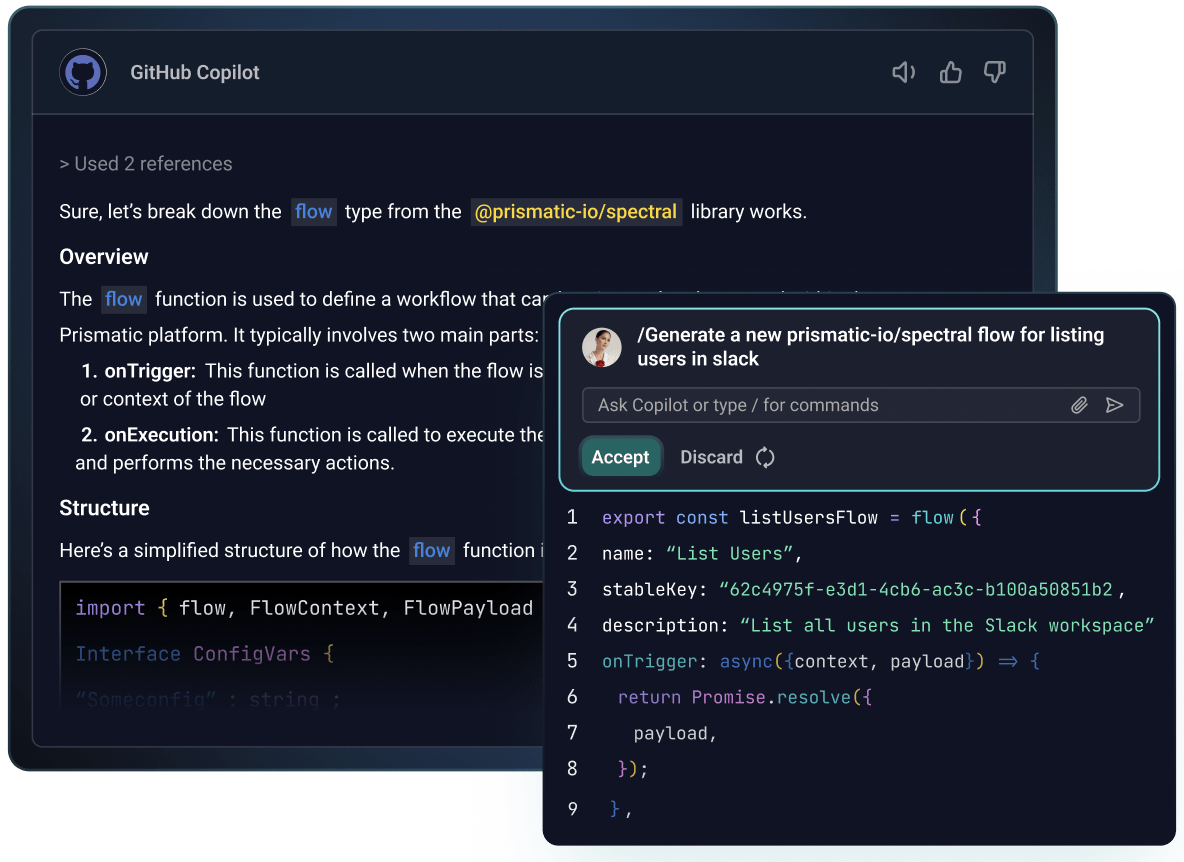
Build code-first integrations in TypeScript
Building code-first gives you the full power of TypeScript with AI assistance, while Prismatic's platform handles all the infrastructure that slows teams down.

Develop integrations with your existing developer tools
Use our VS Code extension to bring Prismatic's capabilities directly in your environment. Take advantage of your current setup – linters, AI copilots, CI/CD pipeline. Everything is scriptable through the Prismatic CLI and API.
Build any integration, the way you want

Save time with custom and built-in connectors
Import connectors as TypeScript functions with automatic auth handling and full type safety. Use them when you need them, or call APIs directly when you don't.
Code the integration, let our platform handle the rest
Developers build once and define the config. Non-technical teams can then deploy to individual customers using config wizards.

Don't take our word for it







Common questions
For years, Prismatic has used "code-native" to describe building integrations directly in code, as opposed to assembling them in a low-code, drag-and-drop builder. As the integration and embedded iPaaS space has matured, "code-first" has emerged as the industry-standard term for this approach.
To be consistent with how developers and others refer to this capability, we're updating our language accordingly. You'll now see us generally refer to this approach as "code-first" throughout this site. The functionality hasn't changed, just the term we use to describe it. That said, "code-native" is embedded rather deeply in the code side of things, so you'll still see it (and the corresponding abbreviation, CNI) used in our docs and app.