
Free up Dev Time

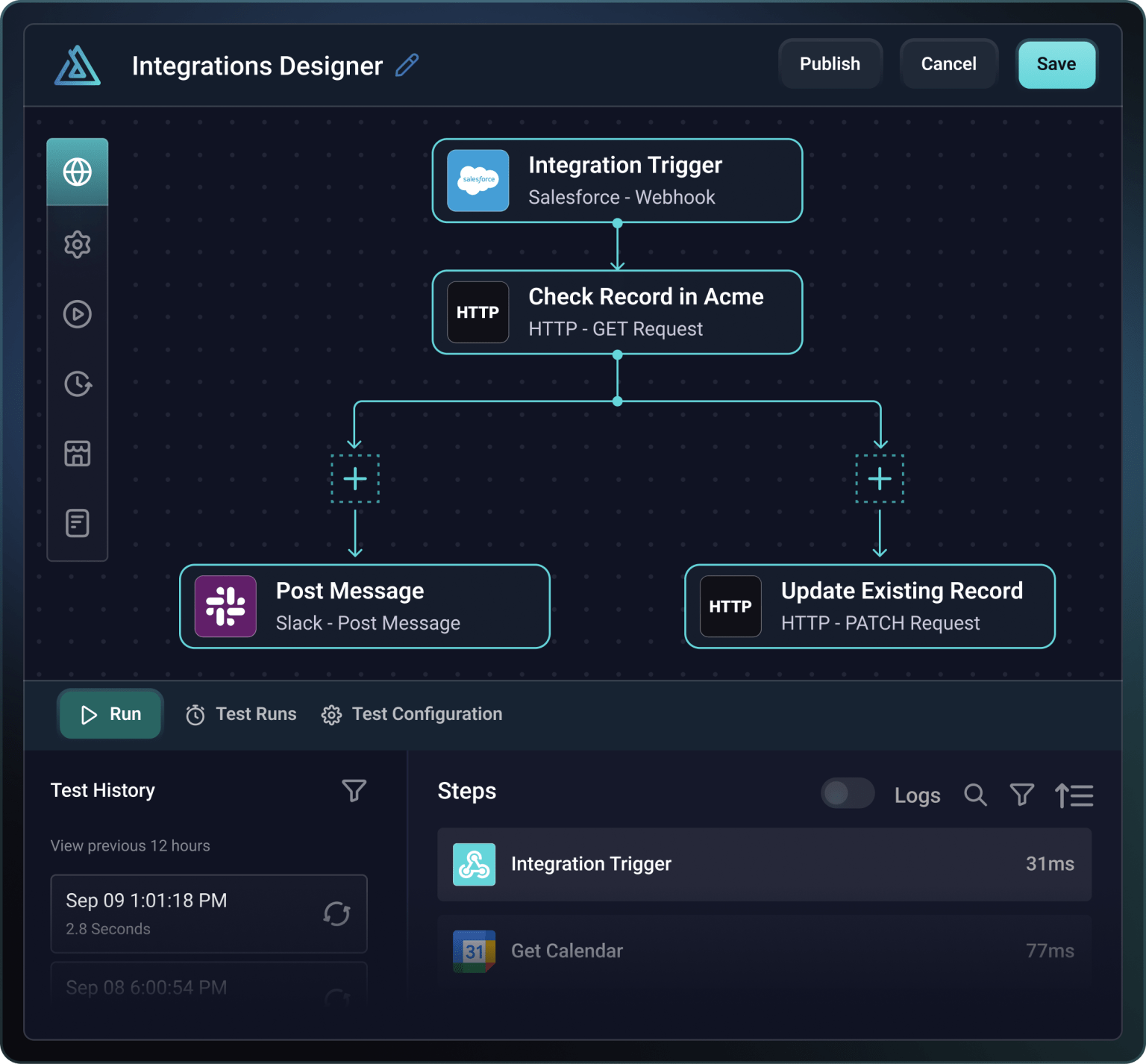
Intuitive low-code designer
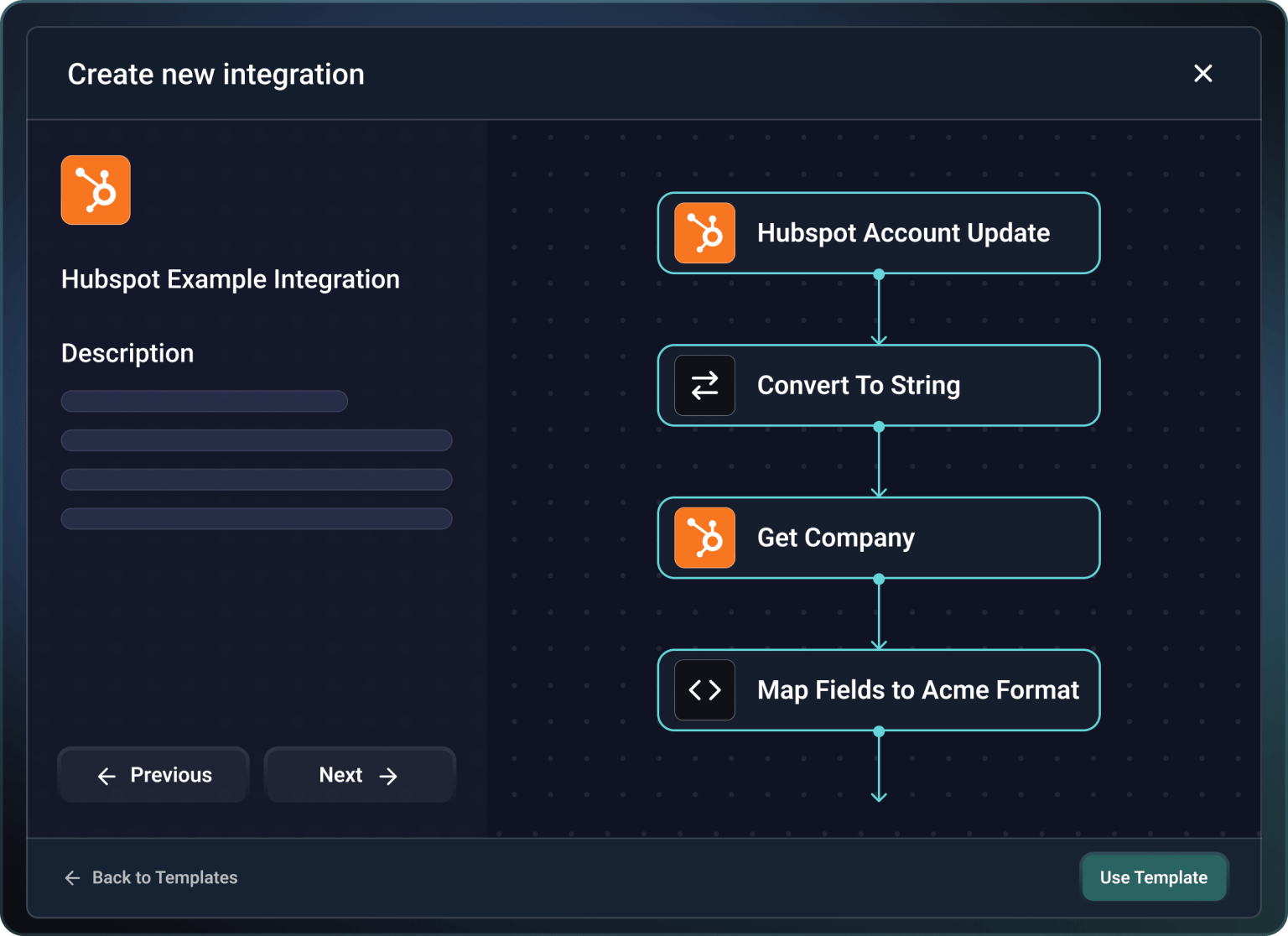
Build with integration templates
Configure and deploy integrations

Support integrations with ease
They can also see when there are issues and jump right in with config, logging, and alert data to get things sorted.








Common questions
Prismatic reduces engineering workload by handling the things that break at scale: authentication, multi-tenant deployment, monitoring, security, and compliance. Your devs no longer need to build or maintain OAuth flows, retry logic, credential management, or worry about scaling the infrastructure. The platform provides 190+ pre-built connectors with fully managed authentication, enabling you to build common integrations right away.
Customer-facing teams can deploy and configure customer-specific instances without dev involvement, using configuration wizards built into each integration. Technical support staff monitor and manage instances, while devs only get involved when building something new. Teams report saving substantial engineering time, allowing devs to focus on core product features and new integration capabilities rather than integration maintenance and updates.
Yes, non-technical teams can manage the complete integration lifecycle without engineering support. Customer success teams and support staff can configure and deploy customer-specific integration instances using intuitive configuration wizards. They can monitor integration health, view detailed logs, troubleshoot issues, apply upgrades, and handle customer-specific configuration changes – all without involving developers.
The platform provides comprehensive visibility into integration performance for all your customers, with configurable alerting that notifies appropriate teams when issues occur. This allows software engineers to focus on building new integrations and product features while customer-facing teams handle deployment, configuration, and ongoing management.
Customers activate integrations through a marketplace embedded within your product. You can embed the marketplace as an iframe with just a few lines of code, customizing it with your brand's colors, fonts, and design elements – or build a completely custom experience using Prismatic's API. Customers browse available integrations, click to activate the ones they need, authenticate with third-party services, and use config wizards to tailor the instance to their needs.
This all happens without them leaving your product. Once activated, customers can return to manage their integrations – view status, update configurations, check execution logs, troubleshoot issues, restart failed executions, and even upgrade to new integration versions. This self-service approach eliminates support tickets asking "How do I connect integrations?" and creates long-term product stickiness.
Your internal teams maintain complete control over customer-managed integrations. You control which integrations appear in the marketplace, which customers can access specific integrations, and what config options customers can modify. You set up the config wizard, set default values, and determine which settings require internal team involvement.
Your team can view all customer integration instances, access detailed logs and execution history, apply version updates, override customer configurations when needed, and monitor the performance of every integration. You can enable the embedded workflow builder per customer, allowing some customers to build their own workflows while restricting others to productized options.
Prismatic's multi-tenant architecture scales with your customer and integration growth. Each customer gets isolated integration instances with their own credentials and configurations, but all share the underlying, secure, scalable infrastructure. You build an integration once and deploy it to hundreds or thousands of customers, each with customer-specific configurations. As you add customers, the embedded marketplace and self-service tools mean deployment doesn't require additional dev resources.
The platform handles millions of executions with built-in reliability, automatic scaling, and performance optimization. Customer-facing teams can manage more customers without proportional increases in support staff, since customers troubleshoot issues themselves. Version management lets different customers run different integration versions, enabling you to roll out updates strategically.