A tool named for an outcome beats an endpoint named for an action. create-customer-in-acme describes a goal an agent is reasoning toward, while POST /v2/customers forces the agent to reconstruct that context.
Every flow should be sorted into one of three risk buckets before it's exposed. Read-only lookups are safe by default, recoverable writes need guardrails, and anything irreversible or compliance-sensitive should stay human-only.
A multi-step process like onboarding should be exposed as one tool, not four. Letting an agent call create-okta-account, then create-slack-account, then decide what to do if the third call fails provides too much room for error.
An agent should never see, store, or pass along a credential. The platform layer knows which customer's connection to use, handles the auth, and returns a result, so scoping is enforced by what's exposed.
A detailed error response tells an agent what failed, whether it's safe to retry, and what to try instead. A bare 500 error gives it nothing, and a missing retryable field is what causes an agent to resend a duplicate record after a non-idempotent call.
You've written the metadata. Your flow names follow a clean verb-object-system pattern. Your $comment fields read like docstrings. Your invocation schemas spell out formats and side effects in plain language. Congratulations! An AI agent reading each tool definition knows exactly what it will do when called.
Unfortunately, that's not enough.
Metadata governs the milliseconds between an agent reading a tool definition and deciding to call it. It says nothing about which flows should be callable at all, what happens when an agent calls the wrong one, what the agent sees when a call fails, or how you'll know six months from now that any of this works. If you get the language right and skip the architecture, then you've built a lovely way to send someone the wrong invoice (or notify the wrong person, etc.)
An API is for engineers and a tool is for AI
APIs are generally built for people. A developer reads the docs, picks the right endpoint, assembles a payload, and interprets the response, bringing context to the transaction that the response itself doesn't contain.
An agent doesn't browse an API reference and decide whether POST /customers/v2 or PATCH /crm/accounts is right. It reasons about a goal: I need to create a customer so I can start onboarding them. Given an API, an agent will attempt to reconstruct that context itself from endpoint names and the spec.
That's the case for exposing tools instead of endpoints, before a word of metadata gets written. A tool named create-customer-in-acme describes an outcome. A tool named POST /v2/customers describes an action and destination. The closer your tools map to business actions instead of REST verbs, the less translation an agent must do, and the less likely the agent is to get important things wrong.
Not every flow should be a tool
Once you've written agent-friendly metadata, you may feel as though you should expose everything. After all, more is better. Don't do it.
Every flow you expose is one an agent may call on its own initiative, based on nothing more than its read of a prompt. A flow that looks up contact details is low-stakes if the agent guesses wrong. A flow that issues a refund or applies a discount is not. The two should not receive the same level of scrutiny (because they don't represent the same level of risk).
Before you publish a flow to your MCP server, sort it into one of three buckets:
- Safe by default – Read-only, idempotent, with a low blast radius. Contact lookups, status checks, and searches. These are reasonable defaults for direct agent access.
- Write, but recoverable – Creates or updates a record that can be corrected later. Fine to expose, but should come with guardrails. We'll touch on these in a bit.
- Should stay human-only – This is anything irreversible, high-value, or compliance-sensitive, no matter how well-written the description is.
This three-bucket approach reinforces the granularity advice from writing agent-friendly metadata: a flow that creates and finalizes a record isn't only harder to name; it's also harder to classify. Splitting multi-purpose flows into single-purpose ones provides you with clean names and helps you manage risk with more granularity.
Some of your best tools aren't single integrations at all
It can be tempting to expose one tool per system: one for Salesforce, one for Slack, one for the ERP. But agents are often asked to do work that doesn't live inside a single system.
Take onboarding a new employee. System by system, an agent might call create-okta-account, then create-slack-account, then create-github-user, then create-payroll-record, deciding on its own what order to run them in and what to do if the third call fails after the first two succeeded. That's way too many things that could go wrong, and none of them is the agent's responsibility to figure out.
It's one process: onboard-employee. The flow knows the right order, retries as needed, and recovers properly if it doesn't complete correctly. The agent completes one flow while your platform coordinates four individual tasks within it.
This is where multi-flow integrations earn their keep in an agentic context. If you've already created orchestration to keep a multi-step process consistent for a person using your product, that same logic makes it safe to hand to an agent. Don't simply port your single-purpose flows to tools. Look for the multi-step processes you've already built into integrations, and ask whether the tool should be the whole process, not its parts.
Discovery has to reflect what's ready
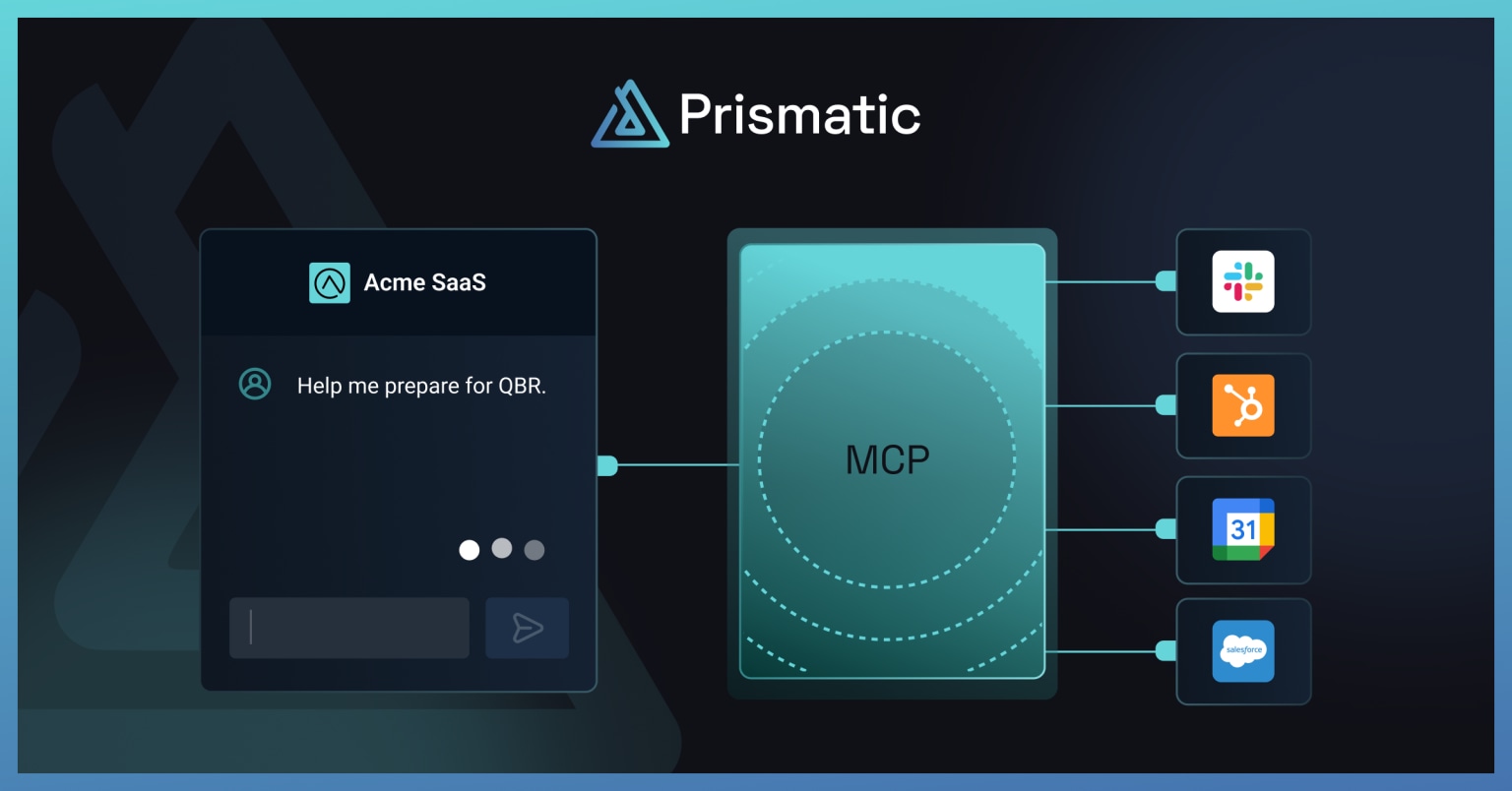
Teams that use Prismatic to build, deploy, and manage integrations don't share a tool catalog. Each SaaS company runs its own integration instance, with its own connections, configuration, and often its own subset of enabled flows. When an AI agent connects to Prismatic's MCP flow server, it sees only the tools available to that company's instance.
That sounds obvious until you consider what it rules out:
- A flow a customer hasn't configured a connection for (or which is otherwise incomplete) isn't on the list of accessible tools.
- A flow can be deprecated for one customer but active for another.
- Dev, staging, and production environments are separate (in most cases).
Tool discovery should be dynamic and scoped to the customer, not driven from a static list. If your platform tracks per-customer integration configs, that same source of truth should generate the tool list for agents.
The agent should not hold credentials
An agent calling a tool is not the same as an agent having access to your systems. It should call the tool and receive a result. It should never see, store, or pass along an OAuth token, API key, or any other credential.
This is where the platform layer between the agent and the app matters more than prompt engineering. The agent invokes sync-acme-contact-to-salesforce. The platform knows which customer's Salesforce connection to use, handles the auth, executes the call, and returns a result. The agent never touches the token because it doesn't need to.
Scoping matters too. An agent acting for a user shouldn't have more permissions than the user. If CS can only view orders, the agent shouldn't have a cancel-order tool available, no matter how well it's described. Permission boundaries should be enforced by what's exposed, not by what we hope the AI will figure out from general context.
Use guardrails, because metadata isn't sufficient
Well-written metadata reduces bad guesses by agents, but it does not eliminate them. For flows that have a big impact (or perform unrecoverable functions), build in guardrails that are external to the agent.
- Human-in-the-loop confirmation – For anything irreversible, place a confirmation step (usually a separate flow) before the agentic flow executes, the way you'd want a human to double-check a large wire transfer.
- Dry-run modes – A
preview-invoice-in-acmetool that returns what would happen, without writing anything, lets the agent check its work before committing. - Rate limits and call budgets – An agent that misreads a task can loop. Cap how many times a tool can be called in a session.
- Approval workflows – If you usually have approval steps for sensitive actions, agent-initiated calls should fit the same mechanism.
None of this is about distrusting agents as a class. It's about applying the same judgment you would use for humans: autonomy for low-risk work but a second set of eyes for anything hard to undo.
Your tool contracts will change
Integrations evolve. Fields are added, renamed, and deprecated. What's new is that an agent, or the memory of its host application, might be working from an out-of-date tool definition.
- Version breaking changes into new tool names – If a flow's required inputs or behavior change incompatibly, ship
create-invoice-in-acme-v2and give the agent a clear signal that something changed. - Keep additive changes additive – New optional fields with sensible defaults are safe. Changing what a required field means is not, even if the name stays the same.
- Give deprecated tools a runway – Keep the old tool callable, and clearly marked as deprecated, before removing it.
This is the same discipline you'd apply to a public API. The fact that an AI agent (not a human) is the user doesn't lower the bar; it raises it. An agent won't file a support ticket when something breaks. It may, however, call the wrong tool, or the right tool in the wrong sequence, and then move on.
Errors need to be detailed and instructive
When a flow fails, the error is the only information the agent has about what went wrong. Returning a 500 error might help a developer, but it tells an agent almost nothing.
Proper errors answer three questions: 1) what failed; 2) is it safe to retry; and 3) what to do instead of retrying. Compare the following:
Not useful to an agent
1
Useful to an agent
12345
The second version tells the agent what to try next. It's the same thing proper metadata provides upfront, but applied to the failure state. That retryable field matters too: it's what keeps an agent from retrying a non-idempotent flow and sending a duplicate record.
The same discipline applies to successful responses. Third-party APIs routinely return payloads with data the agent won't use. Passing that straight through gives the agent more opportunity to misread things. Instead, trim the results to what matters, the same way you'd trim a verbose backend response before displaying the message via the UI.
You can't fix what you can't see
When agents can call tools autonomously, on behalf of customers you'll never talk to, you need a record of what happened. And the record starts right now.
At minimum, log which tool was called, for which customer, with what inputs, what the result was, and whether a human confirmed it. This serves two purposes: it's how you debug an agent's poor decision after the fact (you can't troubleshoot a wrong choice without a detailed record), and it's how you build trust with customers whose businesses now depend on agents doing the right thing.
Watch for patterns that might point to underlying issues. This includes things like a tool that's called repeatedly and fails, an agent that retries a flow you've marked as non-idempotent, or tools that are called in a sequence no human would use. These all signal that something (metadata, guardrails, or exposure) needs another look.
When something fails, what is the root cause? Did the agent choose the wrong tool or build a bad payload (a reasoning error)? Did a system time out or reject a valid call (an infrastructure error)? These are two substantially different errors (with completely different solutions). Without detailed logging, all these errors tend to look the same. And that's not helpful.
Test the system, not just the flow
Testing individual flows against intent-driven and adversarial prompts (which we covered in the metadata post) is where this starts. But it doesn't end there. As you expose more flows, test the tool surface as a whole, because agents don't call tools in isolation. They put them together.
An agent that is asked to "Onboard this new customer in Acme and notify the account team" might call three or four tools in sequence. Each may work correctly if called individually, but together they can produce the wrong outcome if a step is skipped or the agent fills a gap between tools with a guess instead of a value. You should have a standing set of realistic, multi-step test prompts to run against your MCP server whenever tool definitions change.
A practical path, if you're starting from an existing platform
You don't need to expose your entire catalog of integration flows on day one. The rollout can be incremental:
- Inventory what you have and sort it into the three buckets listed above.
- Start with a small set of safe, high-value flows. A handful of well-scoped tools beats a hundred ambiguous ones.
- Apply the metadata practices from writing agent-friendly tool definitions to that initial set.
- Connect an agent and see what it does. Use intent-driven prompts and see if it picks the tool you expected.
- Expand deliberately, using those failures to refine the process and figure out what to do next.
AX is a system
Good metadata is the language an agent reads. Everything we've covered above is the system that language operates inside: what gets exposed, who is allowed to call it, what happens when it fails, and how you'll know it's working in the future. Skip one, and you get a system that's technically sound but unusable. An agent can use it, but probably in ways you never intended.
Your customers are already pointing AI agents at the integrations you've built, whether or not you've planned for it. Teams that treat this as engineering, not a documentation afterthought, are the ones whose agents will be trusted with work that matters.
See how Prismatic's MCP flow server handles agentic flows out of the box. Check out our free trial or get a demo.