
Build Integrations in Code with AI
Build anything, ship it 10x faster
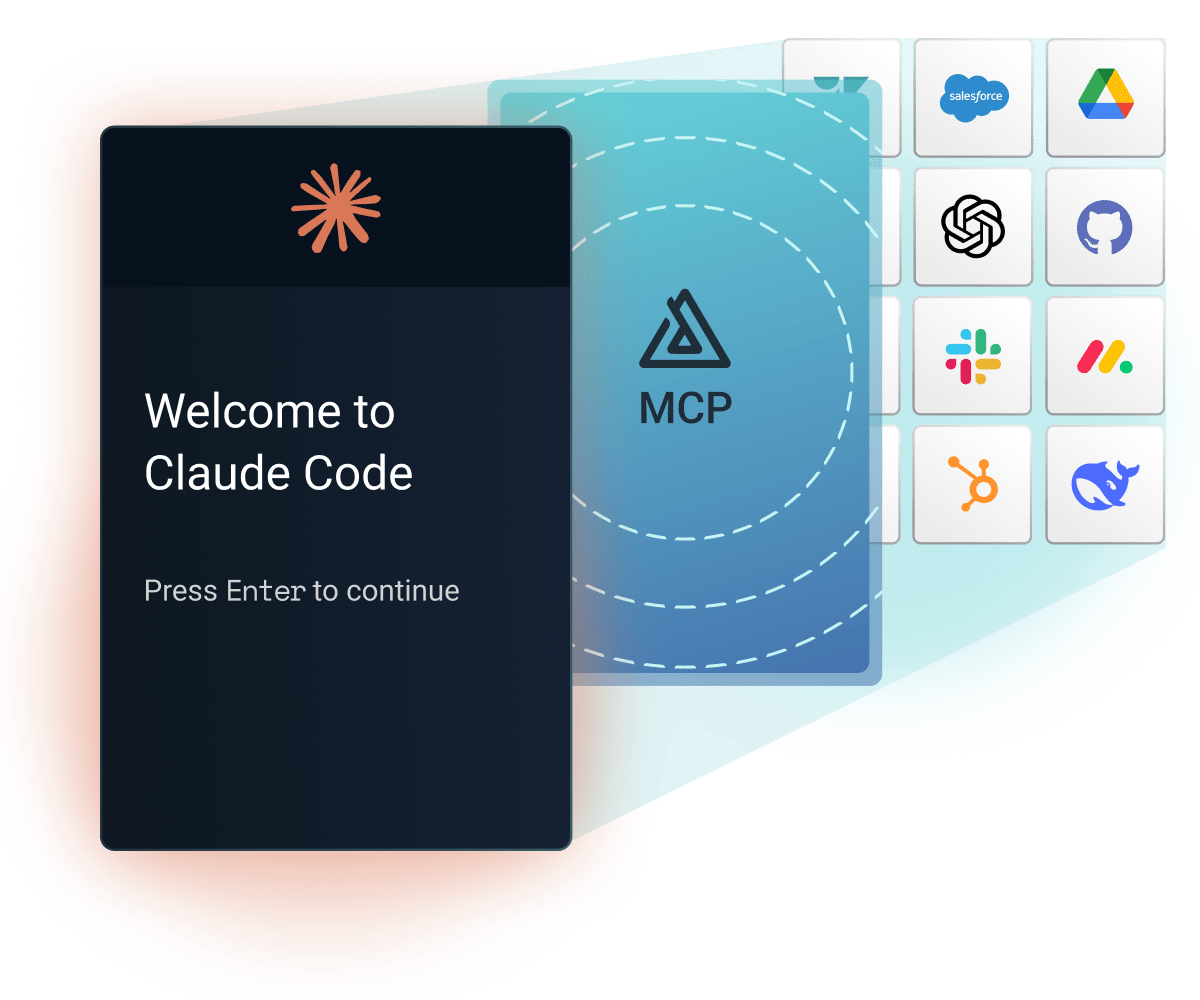
If you can reach it through an API, file feed, database, or network connection, your team can build the integration in TypeScript, including the connector logic. Prismatic handles customer-specific connections, deployment, and monitoring, so you can say yes to strategic requests without adding another roadmap date.

Define the config wizard in code once: connections, field mappings, and schedule. Customers can activate the integration from your marketplace and configure their own settings without engineering. Your team ships one integration definition, and each deployment uses the same configuration model.
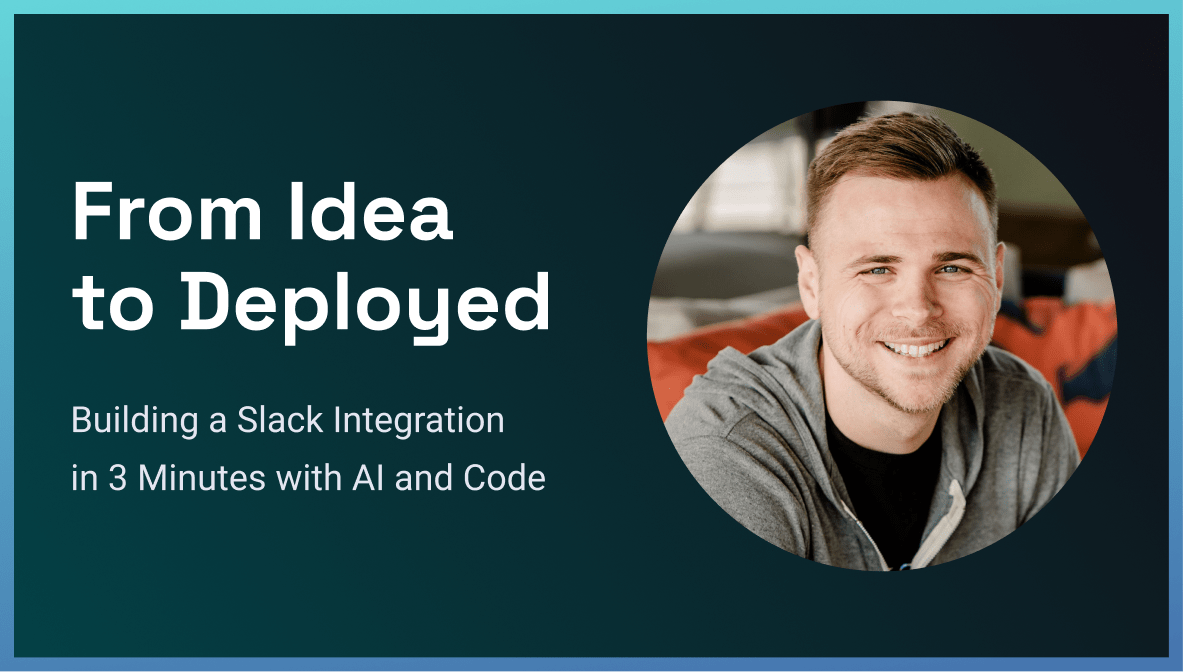
The Prism MCP dev server gives Claude Code, Cursor, Codex, and Copilot context for Prismatic's SDK, components, and deployment processes. Prismatic Skills guides Claude Code through scaffolding, building, testing, and deploying an integration. AI accelerates the build; your TypeScript, Git, and CI/CD process stays the same.

AI-assisted development makes writing code faster. Prismatic runs it in production: multi-tenant authentication, automatic retries for transient issues, logging and alerting, and replay of failed executions after you ship a fix. Monitor executions, investigate failures, and expose execution visibility to customers where enabled.
When a connector isn't enough

Custom and partner APIs
Connect homegrown, partner, or niche systems that no catalog covers. Build a TypeScript connector once, publish it, and reuse it across integrations.

Industry formats and files
Write custom logic for X12, HL7, FHIR, and flat files, then process them via scheduled SFTP workflows with platform logging and monitoring.

Databases and on-prem systems
Connect to Postgres, MySQL, SQL Server, or Oracle databases, or use the on-prem agent to reach systems inside your customer's private network.
AI accelerates the build. Prismatic handles production.
The code your team writes
Describe the integration. Your assistant scaffolds the project, pulls component types through the MCP dev server, and drafts the flows and config wizard. Your developers review, refine, and test.
WHY
AI coding assistants can make integration code faster and cheaper to write. That changes the build-vs-buy math, and your team wins.
HOW
Prismatic Skills for Claude Code, the Prism MCP dev server, and the Prism CLI in your own CI/CD. Real TypeScript in your own repo.
The platform that runs it
Multi-tenant authentication, deployment, monitoring, logging, alerting, and the infrastructure and controls needed to run each integration your team ships to production.
WHY
That work doesn't get cheaper as AI improves. Its value grows as the distinction shifts from who generates code to who runs it in production.
HOW
Prismatic's core handles what breaks at scale, so code runs on infrastructure proven across Fortune 500s and high-growth startups.
Don't take our word for it







Common questions
A local Model Context Protocol server that connects AI coding assistants to Prismatic's API, TypeScript SDK, and component library. From your editor, the assistant can list components, initialize a code-first integration, scaffold flows and config wizard pages, run tests, and publish. Prismatic documents it for Claude Code, Claude Desktop, Cursor, and VS Code with GitHub Copilot.
No. The MCP dev server and Prismatic Skills are tools you add to your workflow, not a requirement. Write every line yourself, let AI handle scaffolding and boilerplate, or use both for the same integration. When you build code-first, you get a TypeScript project. You can also use the low-code designer when a visual canvas fits better.
Integrations written entirely in TypeScript with Prismatic's SDK, in your own IDE, committed to your own repo, and deployed with the Prism CLI or your CI/CD pipeline. You get the full power of TypeScript and Node.js, with Prismatic's connectors available as typed functions. In the app and docs, you'll also see them called code-native integrations (CNI). They're the same thing.
Any MCP-compatible assistant can connect to the Prism MCP dev server, including Codex; Prismatic supports Claude Code, Claude Desktop, Cursor, and VS Code with GitHub Copilot. Prismatic Skills is an open-source Claude Code plugin that bundles the MCP dev server, so there's no separate setup.
This page covers building integrations with AI coding assistants. Prismatic also supports building AI-enabled integrations and exposing flows to AI agents, which the AI for Integrations and the Connect AI Agents to Your Product pages cover.
Yes. A code-first integration is a normal TypeScript project. Keep it in GitHub or GitLab, review it in pull requests, and deploy it with the Prism CLI from GitHub Actions or whatever pipeline you already run. Your process doesn't have to change.
Build one. Start from Prismatic's open-source component library, where you can read, fork, and extend any Prismatic-built connector, or write a custom connector in TypeScript from scratch. Once published, it's available in code-first integrations, the low-code designer, and the embedded workflow builder. Prismatic Skills can research the API, scaffold the project, and build the actions and triggers.