
Connect AI Agents to Your Product

Give agents real work to do
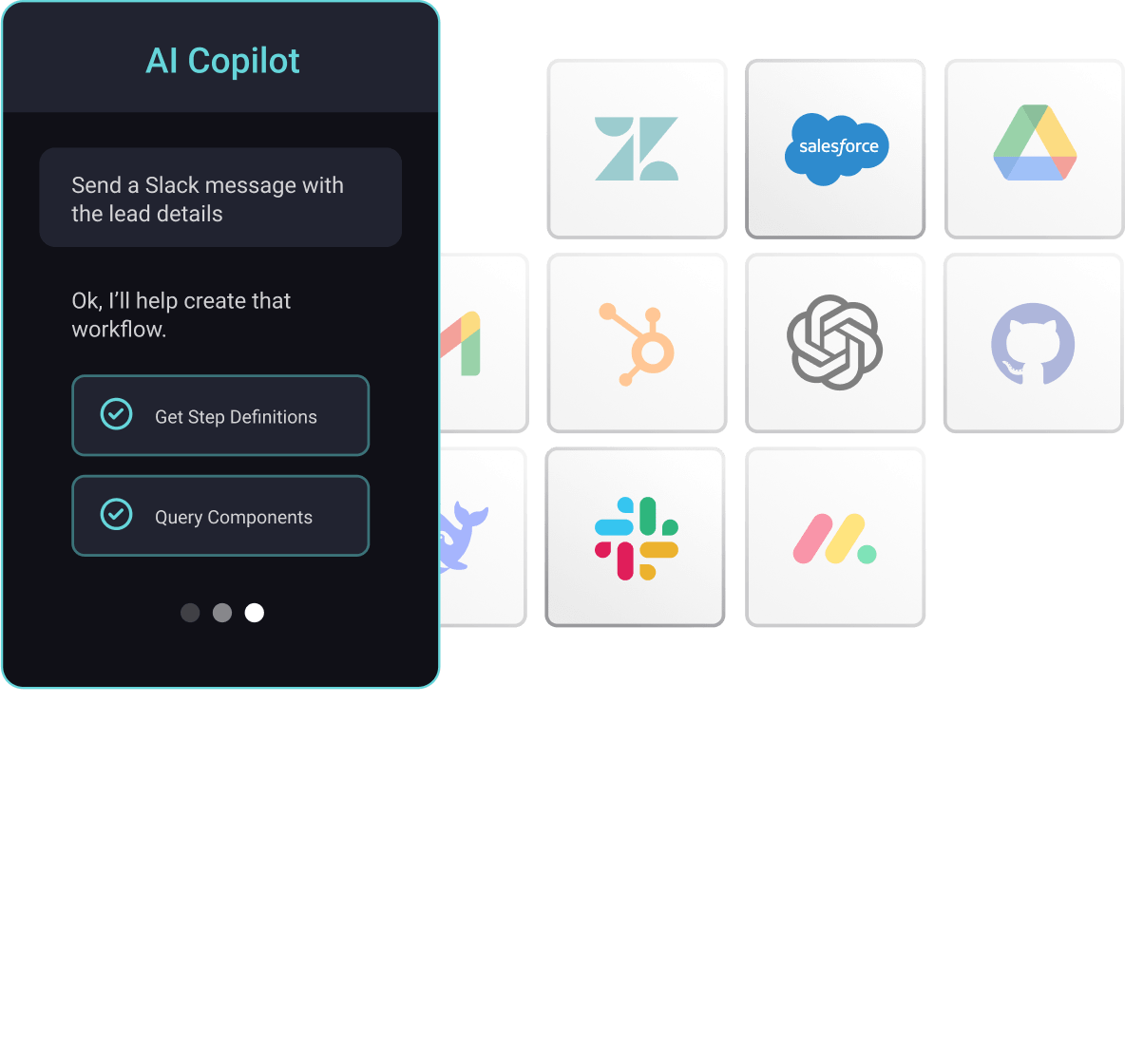
Your product team is being asked about its agent strategy. Expose the flows you already run as tools, and your assistant can look up a record, file a ticket, or pull a document from the systems your customers have connected to – all from inside your product.

Your customers are building and buying their own agents. Any MCP-compatible agent can connect to the same tools, scoped to that customer, and see only the flows deployed to them with their credentials. Your product becomes part of how they work.

Agents interpret intent and pick a tool. Your flow enforces what has to be right every time: authentication, sequencing, validation, and error handling. The invocation schema shapes the inputs, but the flow's logic holds the guardrails, not the prompt.

Every tool call runs in the customer's deployed instance with their connections, so an agent working for one customer never sees another's data. Agents authenticate with your embedded JWT or an OAuth consent flow, and every execution is logged, with alerting that you configure.
Tools for the work your customers hand to agents

Look up records
Answer questions from the customer's CRM. An agent asks for open opportunities or a contact's history, and the flow queries Salesforce, HubSpot, or MS Dynamics 365.

Act in connected apps
Create the ticket, post the update, or log the event. The agent supplies the inputs, and the flow writes to Zendesk, Jira, or Slack using the customer's credentials.

Fetch and process documents
Pull files from Google Drive, Dropbox, or Microsoft SharePoint, extract what the agent needs, and return structured results instead of raw API responses.

Enrich data before an agent acts
Enrich, classify, or summarize data in the flow before it reaches the agent, with connectors for OpenAI, Anthropic, and Google Gemini that use each customer's credentials.
The agent decides. The flow does the work.
What the agent handles
Reads the tools available to that customer, interprets the request, chooses a flow, and fills in the inputs from the conversation.
WHY
That is what models do best: understand intent and pick the right capability from a short, well-described list.
HOW
Point your assistant, or your customer's agent, at the MCP flow server. Tool names, descriptions, and schemas are what the model reads, so write them like prompt copy.
The platform that runs it
Authenticates as the customer and calls the systems in the order you defined, with input validation, error handling, and result shaping built in by your team.
WHY
Chaining raw API calls from a prompt breaks in production. A flow your team builds runs the same way every time, and you can test, monitor, and fix it.
HOW
Build it in TypeScript or low-code on the same platform as the rest of your catalog. Mark it as agent-ready, add an invocation schema, and agents can call it.
Don't take our word for it







Common questions
The agent, whether it is the assistant you ship or one your customer brings, can call your product's integrations and workflows as tools. It looks up records, takes actions, and fetches documents in the systems your customers have connected, from inside your product, using the customer's credentials.