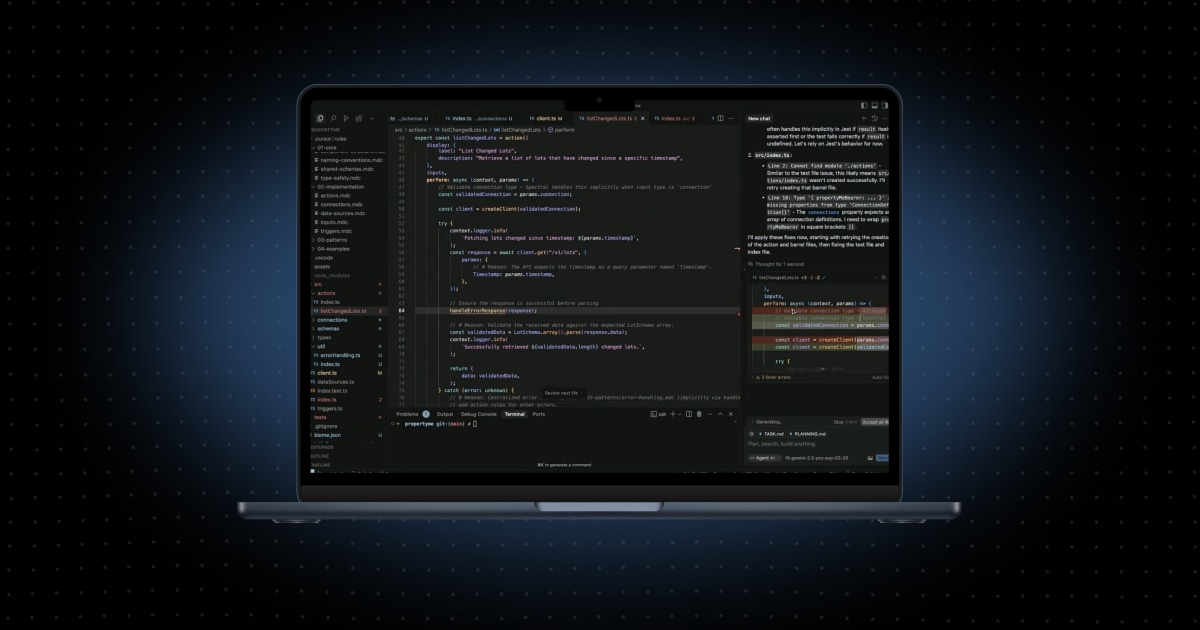
- Prismatic Skills now run in five coding agents. Claude Code, Cursor, Codex, GitHub Copilot, and Antigravity were each evaluated end-to-end on the integration and component build paths. The skills are free and open source, with no plan change.
- Skills let agents build, migrate, and operate integrations. An agent scaffolds the project, writes the TypeScript, deploys, and tests against a real instance. It also builds custom components from API docs, embeds the marketplace in React, Next.js, Vue, or Svelte, and maps Boomi or Cyclr exports to Prismatic.
- Skills are plain SKILL.md files on an open standard. They follow the Agent Skills specification with no agent-specific hooks, which makes them portable. The standard is designed to support other compatible agents, such as AWS Kiro and OpenCode, though only the five above were evaluated.
- One standard skills.sh command installs them everywhere. Invocation varies by agent: a typed shortcut in Claude Code, Cursor, and the Copilot CLI, a $ prefix in Codex, and plain language in Antigravity and Copilot inside VS Code.
- Claude Code users can keep the legacy plugin. New installs and future updates move to the standards-based agent-skills repository, and final deprecation timing will be documented separately.
Why should your coding agent decide how you build integrations?
In April we introduced Prismatic Skills for Claude Code: a set of skills that give an AI coding agent real knowledge of how Prismatic works, so it can take an integration from requirements to a deployed, tested instance instead of guessing at our SDK from training data.
Developers liked the experience. We heard from customers whose teams had standardized on Cursor, Codex, or Copilot, and they wanted the same thing there. When we built the first version, Claude Code was the only agent with the primitives we needed. Since then, Agent Skills has become a cross-vendor standard with support across the major coding agents, and skills.sh gives everyone one way to distribute and install them.
So we rebuilt Prismatic Skills on that standard. Your team picks the agent, and Prismatic works in it.
Watch the overview, or keep reading for the details.
What's new
- Five coding agents. Each one evaluated end-to-end on the integration and component build paths.
- One install flow per agent. Install the same Prismatic Skills package in each supported coding agent with one standard command from skills.sh. Setup details are in the install section below.
- Open standard. The skills are plain
SKILL.mdfiles that follow the Agent Skills specification, with no agent-specific hooks. The standard is designed to support other compatible agents such as AWS Kiro and OpenCode; these five are the agents we evaluated for this release. - Same capability. This release brings the existing guided build experience to more coding agents. It does not add a new paid tier or require a plan change.
What you can do with Prismatic Skills
With the skills installed, your coding agent can:
- Build and maintain code-native integrations (CNI). Describe what you need, and the skill scaffolds the project, writes the TypeScript, compiles, deploys, tests against a real instance, and fixes what fails. It makes the technical choices itself and only asks about business decisions that would change the result. Hand it an existing CNI, and it picks up where you left off.
- Build custom components. Point it at an API. It researches the docs, drafts a structured spec, generates the component, and publishes it to your organization.
- Embed and migrate. Scaffold the embedded marketplace or workflow builder in React, Next.js, Vue, Svelte, or vanilla JS, including signing keys and the JWT backend. Or hand it a Boomi or Cyclr export, and it maps the integration to Prismatic and produces a working first pass.
- Operate and troubleshoot Prismatic. Check logs, diagnose failed executions, deploy updates, and get answers from the Prismatic docs without leaving the editor, through Orby, the platform expert skill.
Install and use them in your agent
Install the skills from your terminal:
1
That opens the catalog so you can pick what you want. To skip the picker and install all five skills:
1
You'll also want the Prism CLI installed and logged in, since the skills use it to talk to your Prismatic organization. Per-agent setup notes live in the agent-skills repo.
How you start a skill depends on the agent. Claude Code, Cursor, and the Copilot CLI accept a typed shortcut like /build-integration. Codex uses $build-integration. Antigravity and Copilot inside VS Code don't have shortcuts, so you say: "Build a Prismatic integration that posts new Asana tasks to Slack." The skills are the same either way.

What changed under the hood
A short note for developers who looked at the original plugin:
- Standard
SKILL.mdstructure. No Claude-specific hooks, synthetic tools, or runtime scripting, which is what makes the skills portable. - More platform operations in the Prism CLI. Component search, execution and log queries, and project introspection moved from skill scripts into
prismcommands. - Existing project context is reused. Open the skill in a CNI you already have, and it reads what's on disk.
We run the same evals in every agent against each provider's current top model, so that results will be close across agents but not identical.
Already using Prismatic Skills in Claude Code?
Existing Claude Code users can continue using the legacy plugin during the transition. New installs and future updates will move to the standards-based agent-skills repository, so when you're ready, run the npx skills add command above to switch. Final deprecation timing will be documented separately.
Availability
Prismatic Skills are available today. Because they're built on the open Agent Skills standard, they install the same way in any compatible coding agent, and we evaluated them end-to-end in Claude Code, Cursor, Codex, GitHub Copilot, and Antigravity. You bring your own coding agent and model.
Install the skills from skills.sh or browse the agent-skills repo on GitHub for setup notes in each agent. If you're evaluating an embedded iPaaS and want to see a coding agent build a production integration, book a demo and we'll run it in the agent your team uses.
Common questions
Claude Code, Cursor, Codex, GitHub Copilot, and Antigravity. The skills follow the open Agent Skills standard, which is designed to support other compatible agents; these five are the agents we evaluated for this release.
Installation is the same in every agent: run the command from the install section above in your project. Invocation varies. Cursor and the Copilot CLI accept slash commands such as /build-integration, Codex uses a $ prefix, and Copilot inside VS Code and Antigravity have no shortcut, so you describe the task and the agent picks the right skill.
You can continue using the legacy plugin during the transition. New installs and future updates will move to the standards-based agent-skills repository, and final deprecation timing will be documented separately.
Agent Skills is an open specification for packaging instructions, references, and workflows that an AI coding agent can load on demand. Skills are plain SKILL.md files, so one set works across agents that support the spec. skills.sh is the installation and distribution hub.
We didn't evaluate Kiro in this release, though it may work if Kiro supports the standard.