Customer Connections
A Customer Connection is used when each of your customers has unique credentials to a third-party app, and they need to enter the credentials (or go through an OAuth 2.0 auth code flow) themselves. Your customer will enter usernames/passwords/API keys/etc for the third-party app when they deploy an instance of an integration that uses them.
The customer connection is defined once by you, the integration author, and then can be used in one or more integrations. When your customer activates an integration that uses a customer connection, they will be prompted to enter their unique credentials to the third-party app. If they have previously saved credentials for that connection type, they can select from existing saved connections, saving them time and effort.
If you would like to provide your customers with a central page where they can manage all of their reusable connections, you can embed a connections page using the embedded SDK.
Creating a new customer connection
To create a new customer connection, see Managing Connections. When prompted to select the connection type, select Customer-Specific Credentials and then My customer will authenticate themselves.
Despite this being a "customer connection", you should still create an OAuth 2.0 app in the third-party app for your customers to authenticate with whenever possible. That way, your customers only need to click a Connect button and walk through an OAuth 2.0 consent screen to authenticate, rather than needing to copy/paste API keys or client IDs themselves.
Some third-party apps review OAuth 2.0 apps before approving them for production, which can take weeks. See Plan ahead for third-party app review.
FAQ
What will customer users see?
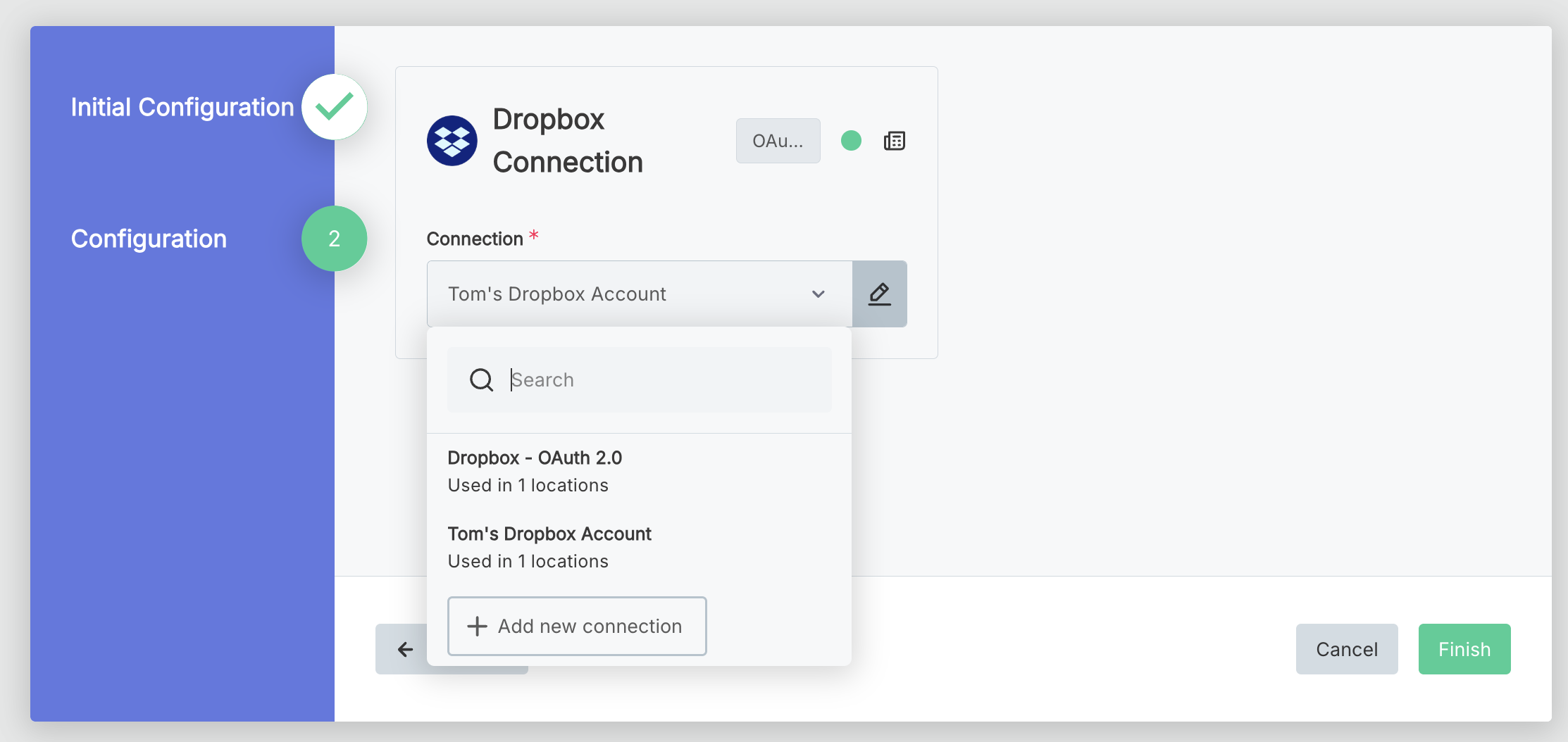
When a customer activates a marketplace integration that requires a customer connection:
- If they have never saved credentials for that customer connection type, they will be prompted to enter them, as they would for any standard connection
- If they have previously saved credentials for that connection type, they can select from existing saved connections or opt to enter a new set of credentials
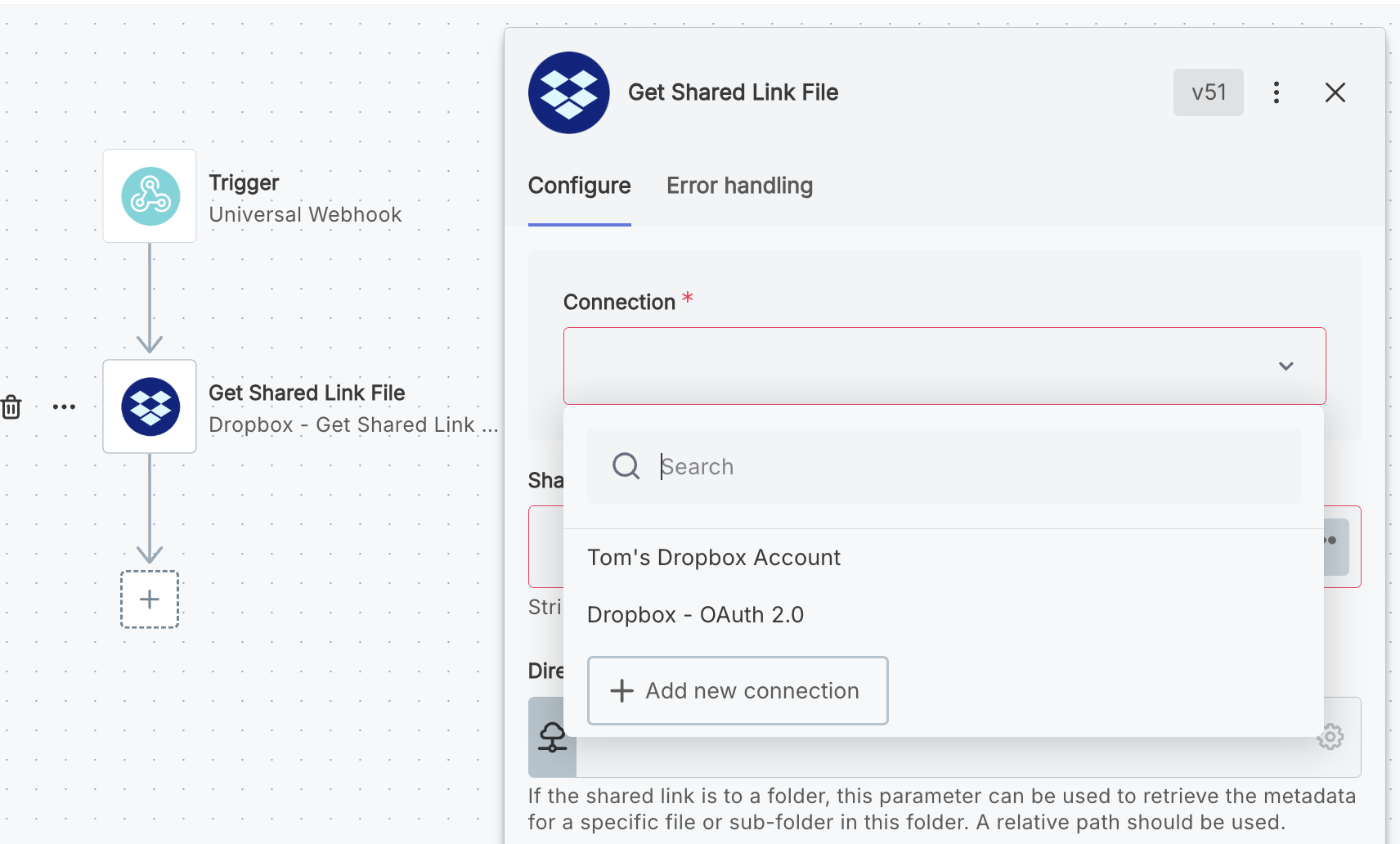
- Within the embedded workflow builder, customers will see a list of their saved connections when they add a step that uses a component with an associated customer connection.
Can customer connections be used if I have multiple tenants?
Yes. If your organization has multiple tenants (for example, a US and EU tenant, or a dev and prod tenant), be sure to assign your customer connections the same Stable Key in each tenant. Then, when you sync integrations between tenants, your integrations will automatically use the correct customer connection in the new tenant.