Connections Overview
Connections contain the information necessary for the steps in your integration to connect to third-party apps and services. A connection is made up of fields for things like usernames, passwords, API keys, OAuth 2.0 secrets, host endpoints, API versions, and more - whatever a component needs to know to connect to an outside service.
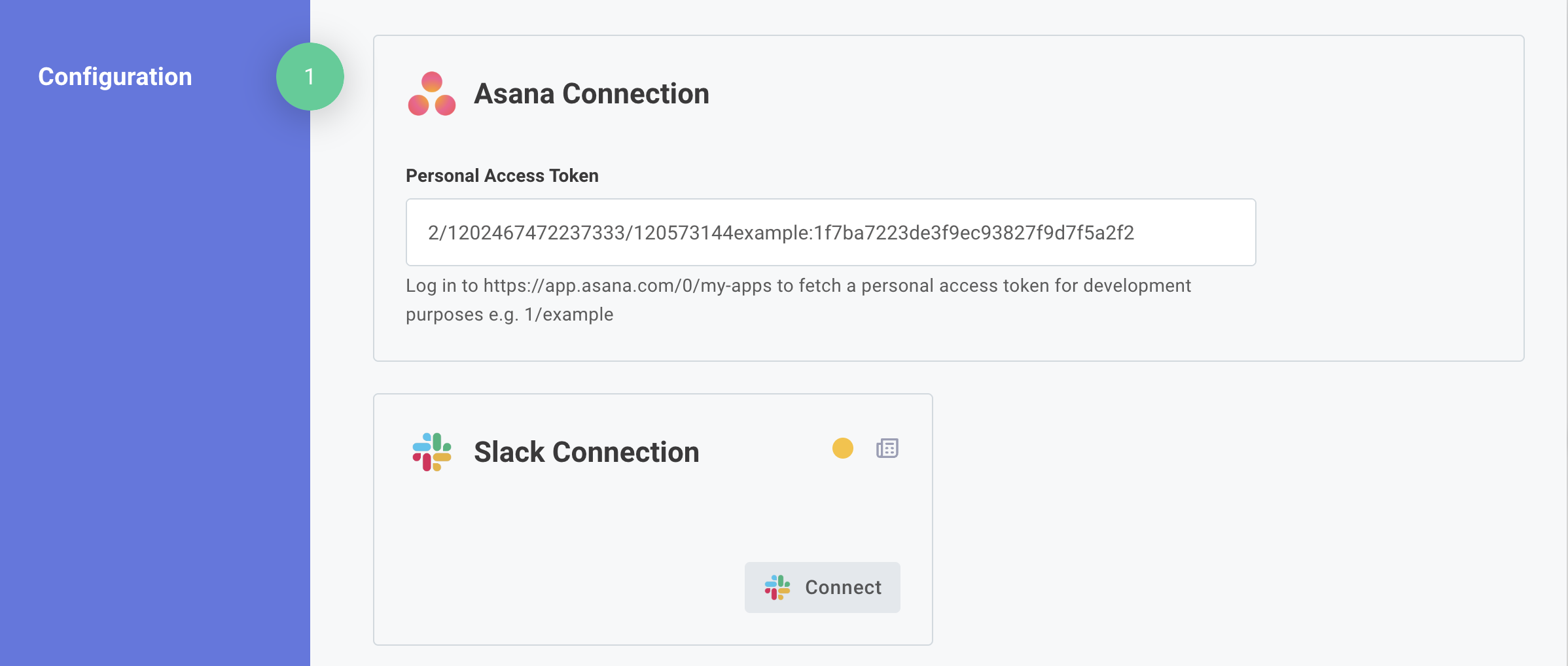
For example, an Asana personal access token requires a single API key that a user would fill in. The Slack OAuth 2.0 connection includes an authorize URL, token URL, client ID, and client secret, but those inputs are generally hidden from end users - they see a single "Connect" button instead.
Connections are often presented to customer users on the first page of your integration's configuration wizard, but you can also set up the connection on your customers' behalf if you know the values the connection requires.
Choosing a connection type
The type of connection you select depends on who knows the connection information and if your connection will be shared by multiple customers.
Generally speaking, you should select a Customer, Organization (Customer), or Organization (Global) connection type due to the benefits of centralized management (even if you don't plan to reuse the connection across multiple integrations).
If your integrations require user-level config, you can make those connections reusable with user connections.
Integration-scoped connections are required for connections that leverage an on-prem agent, or when you want to set connections programmatically via the embedded SDK when a user configures an instance.
Build-only connections
Some components offer build-only connections, which are used to connect to third-party services during development and testing. Build-only connections are OAuth 2.0 apps that Prismatic creates and manages to allow you to begin developing your integration without needing to set up your own OAuth 2.0 app.
Build-only connections are only intended for development and testing, and they can't be used in production or shared with customers. When you're ready to deploy your integration, you'll need to create your own OAuth 2.0 app and connection (or have your customers create their own connections) to replace the build-only connection. Many third-party services review OAuth 2.0 apps before approving them for production, so create your app and apply for production access while you build with a build-only connection.
Configure build-only connections from the Components tab in the left sidebar of the Prismatic UI.