What is Prismatic?
If you sell software to businesses (B2B SaaS), your customers use your app alongside many others. They expect the data in your app to stay in sync with the data in those other apps and services. Meeting that expectation means building integrations.
Building integrations yourself takes more than code that moves data from point A to point B. Each integration also needs a configuration experience, webhooks, OAuth 2.0, compute, deployment, logging, monitoring, and alerting.
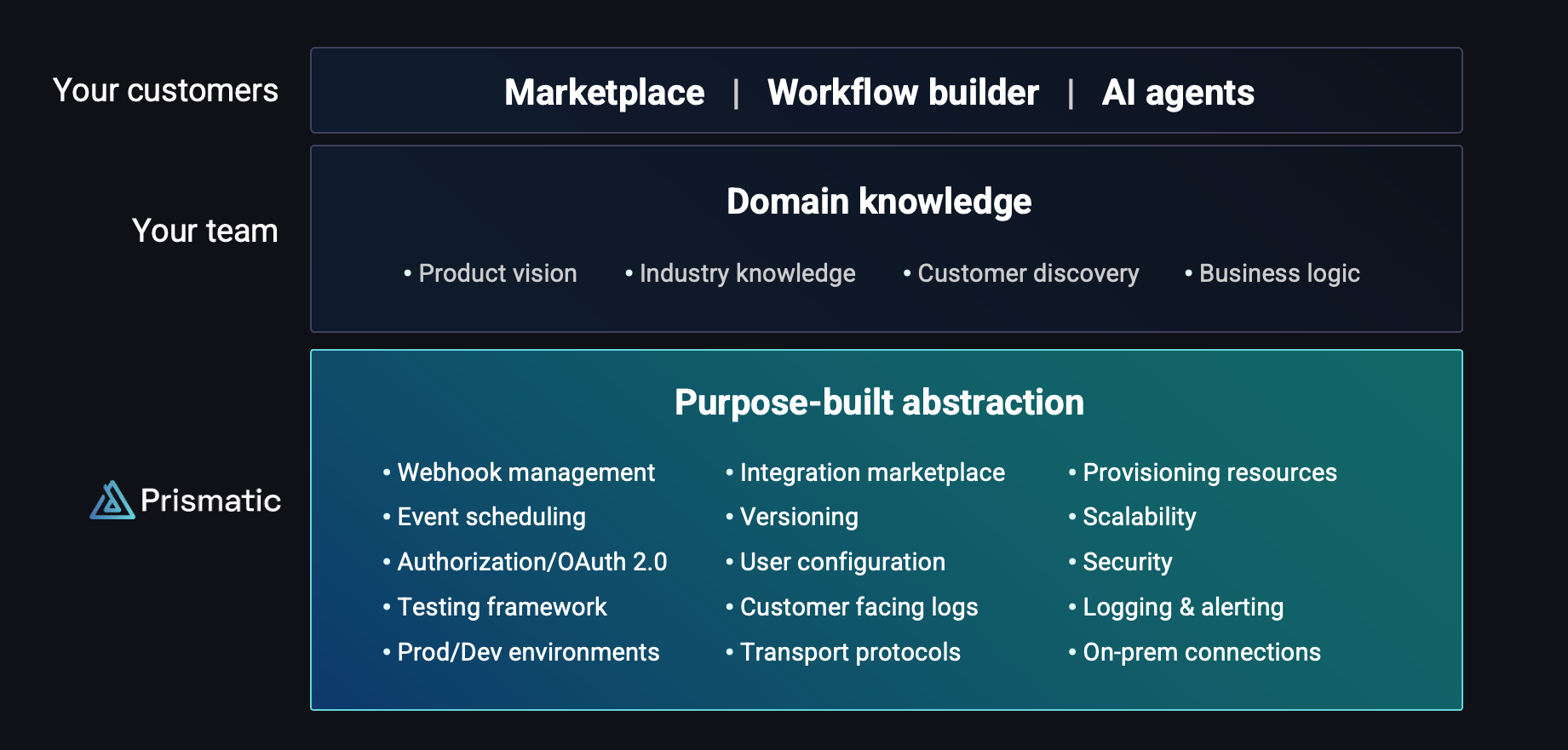
Prismatic is an embedded integration platform that divides that work. You provide the integration logic, through the code-native SDK or the low-code designer, and Prismatic provides the infrastructure the integration needs to run.
Step-by-step tutorials for building integrations, embedding the marketplace or workflow builder, and connecting AI agents.
GuideDeployment optionsCompare the ways you can deliver integrations built on Prismatic to your customers.
Ways to extend your product
Prismatic lets you extend your product to the other apps your customers use in several ways:
- Productized integrations. Your team builds an integration once, and every customer can configure and deploy it for themselves from an integration marketplace embedded in your app.
- Custom integrations. Your team builds integrations for customers with unique use cases, then deploys them for those customers or lets the customers deploy them.
- Customer-built workflows. Your customers build their own workflows in your app with the embedded workflow builder, and can use the AI copilot to build quickly.
- AI agent connections. The LLM in your app calls agentic flows through Prismatic's MCP flow server to read and act on data in your customers' other apps.
Deployment options describes each approach in more detail.
How do I build integrations?
You build productized and custom integrations in one of two ways:
- Code-native. Your developers build workflows and the configuration experience in TypeScript with Prismatic's SDK, in their preferred IDE. The VS Code extension and agent skills speed up development. See code-native integrations.
- Low-code. Developers and technical non-developers design workflows and a configuration wizard in the low-code designer, and package them together into a productized integration.
Both kinds of integration run on the same infrastructure. Low-code vs code-native compares the two.
What apps can I integrate with?
Prismatic offers a library of hundreds of built-in connectors for common third-party apps. You can also build a custom connector for your own app or for niche, industry-specific apps.
If an app has a web-based API, or a Node.js library supports it (for example, a database, SFTP, or LDAP), you can integrate with it.