Prismatic Skills for Claude Code
Prismatic Skills is a Claude Code plugin that gives your AI assistant deep knowledge of Prismatic's platform and the tools to interact with it. Instead of working from generic code suggestions, Claude uses Prismatic-specific agents and knowledge bases to guide you through building custom connectors, code-native integrations, and embedded marketplace experiences from requirements through deployment.
Prerequisites
Before installing Prismatic Skills, ensure you have:
- Claude Code installed
- The Prism CLI installed globally and authenticated (
npm install -g @prismatic-io/prism) - An active Prismatic account with integration and component permissions
Installation
Install Prismatic Skills using the Claude Code CLI:
claude plugin marketplace add prismatic-io/prismatic-skills
claude plugin install prismatic-skills@prismatic-skills
Or, from within the Claude Code client:
/plugin marketplace add prismatic-io/prismatic-skills
/plugin install prismatic-skills@prismatic-skills
Available commands
Prismatic Skills adds five slash commands to Claude Code.
/prismatic-skills:build-component
Guides you through building and deploying a Prismatic custom connector. Claude walks through setup, requirements gathering, external API research, project scaffolding, code generation, and then builds and publishes the component.
/prismatic-skills:build-integration
Guides you through building and deploying a code-native integration (CNI). Claude handles setup, requirements gathering, credential collection, scaffolding, code generation, and then deploys, tests, and iterates until the integration works.
/prismatic-skills:modify-integration
Guides you through modifying an existing code-native integration. Claude extracts the current state of your integration, captures what you want to change - such as adding flows, changing error handling, adding components, or fixing bugs - and then applies targeted edits, rebuilds, deploys, and tests.
/prismatic-skills:embedded
Guides you through embedding Prismatic's marketplace and workflow builder in your web application. Claude walks through signing key setup, JWT backend generation, frontend SDK integration, theming, and internationalization across React, Next.js, Vue, Svelte, and vanilla JS.
/prismatic-skills:orby
Launches Orby, an interactive Prismatic platform guide. Orby can explore your Prismatic environment, perform platform operations, construct and run GraphQL queries against the Prismatic API, search Prismatic documentation, and troubleshoot issues with your integrations.
How it works
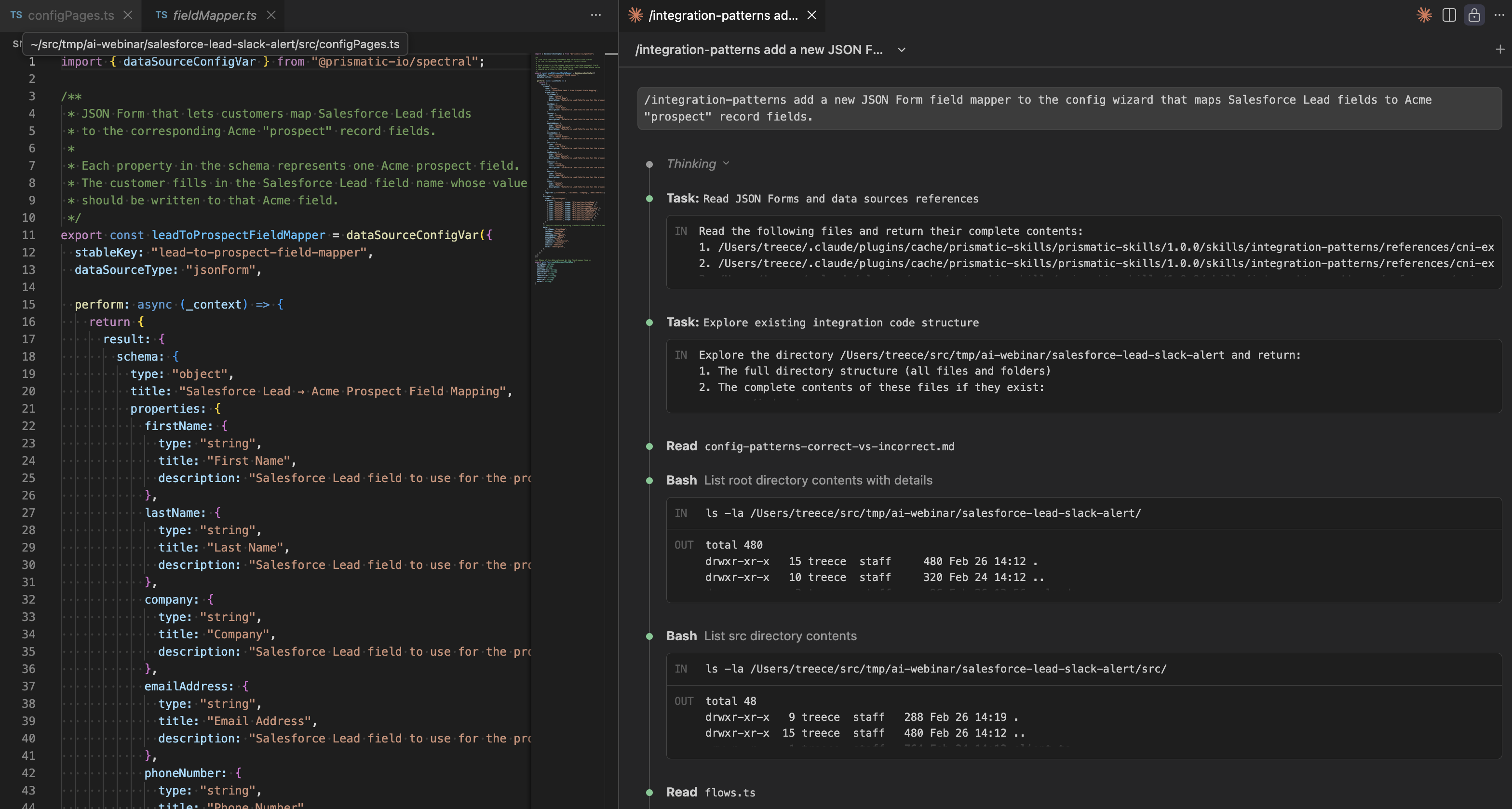
Prismatic Skills is built on specialized agents and knowledge bases that Claude loads progressively as needed, keeping your context window focused on the task at hand.
Agents
| Agent | Description |
|---|---|
component-builder | Builds custom connectors from requirements to deployment |
cni-builder | Builds and modifies code-native integrations from requirements to deployment |
embed-advisor | Guides embedding of Prismatic's marketplace and workflow builder in your app |
external-api-researcher | Researches external APIs and extracts structured specifications |
orby | Interactive Prismatic platform guide |
Knowledge bases
| Skill | Contents |
|---|---|
component-patterns | Reference docs and code generation patterns for custom connectors |
embedded | JWT authentication, SDK setup, marketplace and workflow builder embedding, theming, i18n |
integration-patterns | CNI pattern library covering webhooks, state management, error handling, OAuth, and more |
prismatic-api | GraphQL query reference and API access patterns |
prismatic-docs | Documentation search strategies |
Related tools
Prismatic Skills works well alongside other development tools in the Development Environment section:
- The Prism MCP dev server gives your AI assistant direct API access to your Prismatic tenant - useful for listing components, publishing integrations, and generating manifests from any AI coding assistant.
- The Prismatic VS Code extension provides test runners, config wizards, and execution result views directly in your IDE.