Changelog

Prismatic Changelog

Stay up to date with the latest changes and improvements to our product.

11 posts tagged with "Platform"

Platform-level changes - new regions, on-prem agent, runtime upgrades, multi-tenant switching, and permissions.

View All Tags

Per-customer execution concurrency controls

You can now set per-customer execution concurrency limits to prevent a single customer's high-volume integrations from consuming a disproportionate share of your organization's execution capacity.

When a customer reaches their limit, additional execution attempts return a 429 "too many requests" response.

You can configure limits from the Prismatic web app, via the GraphQL API, or via embedded JWT claims. You can also set up a Customer Concurrency Threshold Warning alert monitor to be notified when any customer approaches their limit.

This feature is available on Enterprise plans. See per-customer execution concurrency for more information.
Multi-Tenant Switching

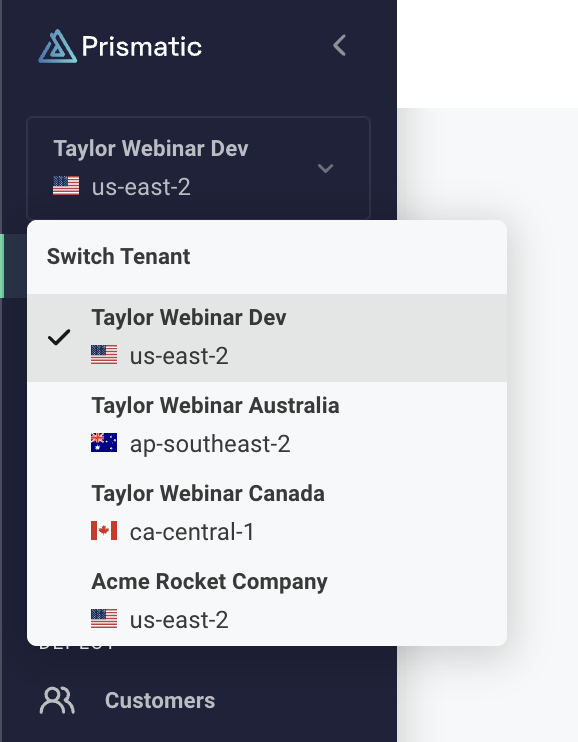
Screenshot of multi-tenant switching in Prismatic

You can now switch between Prismatic tenants without logging out.

If you have access to multiple tenants (Dev, Prod, Staging, etc.), you'll see a new Tenant Picker in the left-hand sidebar. It shows which environment you're working in and lets you switch between environments instantly. No more juggling browser sessions or credentials.

Also in this release:

  • Single identity across tenants - Use the same email and password for all your Prismatic environments. No more email aliases.
  • SSO works seamlessly - If you're using SSO, it now works seamlessly across multiple tenants in the same region without workarounds.

In-app Docs

In-app docs

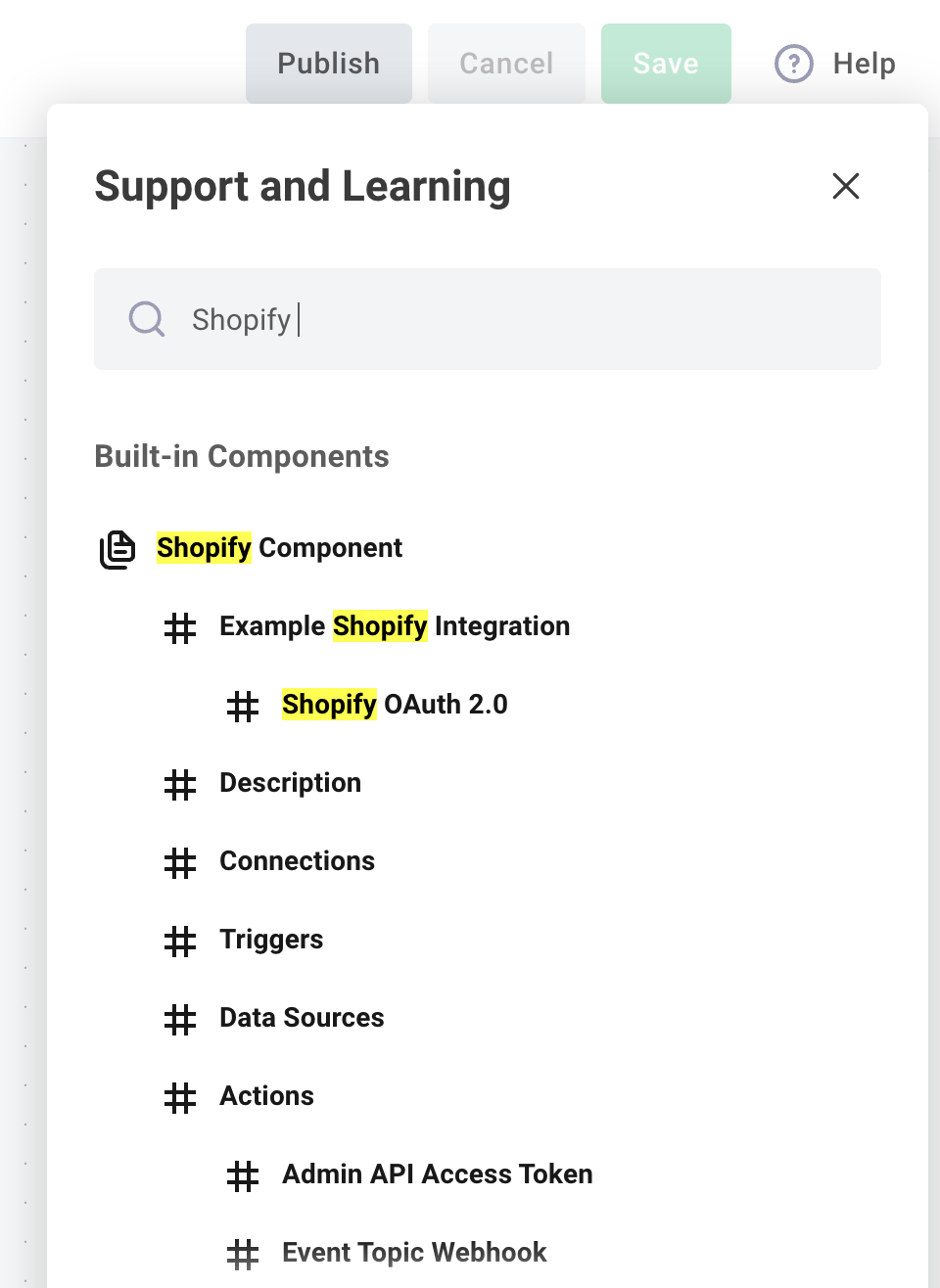
You can now search Prismatic's docs from within the web app. This makes it easier to find the information you need while building integrations.

To open up the docs search, click "Help" on the top right of the Prismatic web app and search for the topic you're interested in.

On-Prem Agent

The on-prem agent allows you to connect your integrations to resources that are on private networks or behind firewalls. This is handy if you want to integrate with a database, file system, or other resource that is not accessible from the public internet.

Read more about how the on-prem agent works in docs.

Integration Runner Moving to NodeJS 18.x

Platform Announcement: We are pleased to announce that we will be transitioning our integration runner from NodeJS 14.x to 18.x beginning on Monday, August 21st. Running on the latest LTS version of NodeJS has huge advantages, including performance improvements, continued support and security patches, and a baked-in fetch API.

This change will not require any action on your part. Your flows and components will transition seamlessly to their new environment. We will let you know once the upgrade is complete, so you can take advantage of any new features NodeJS 18.x has to offer.

UI Redesign

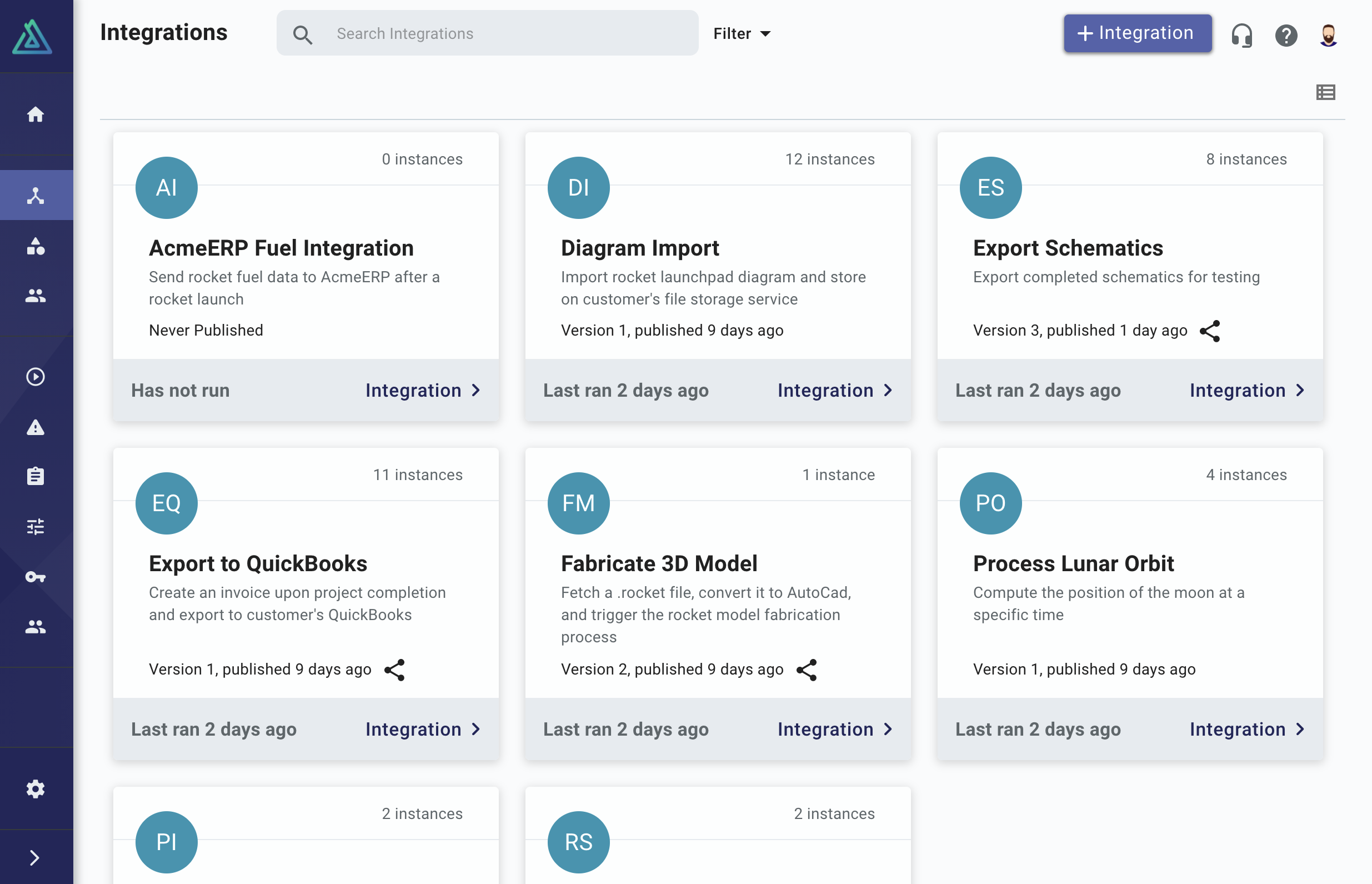
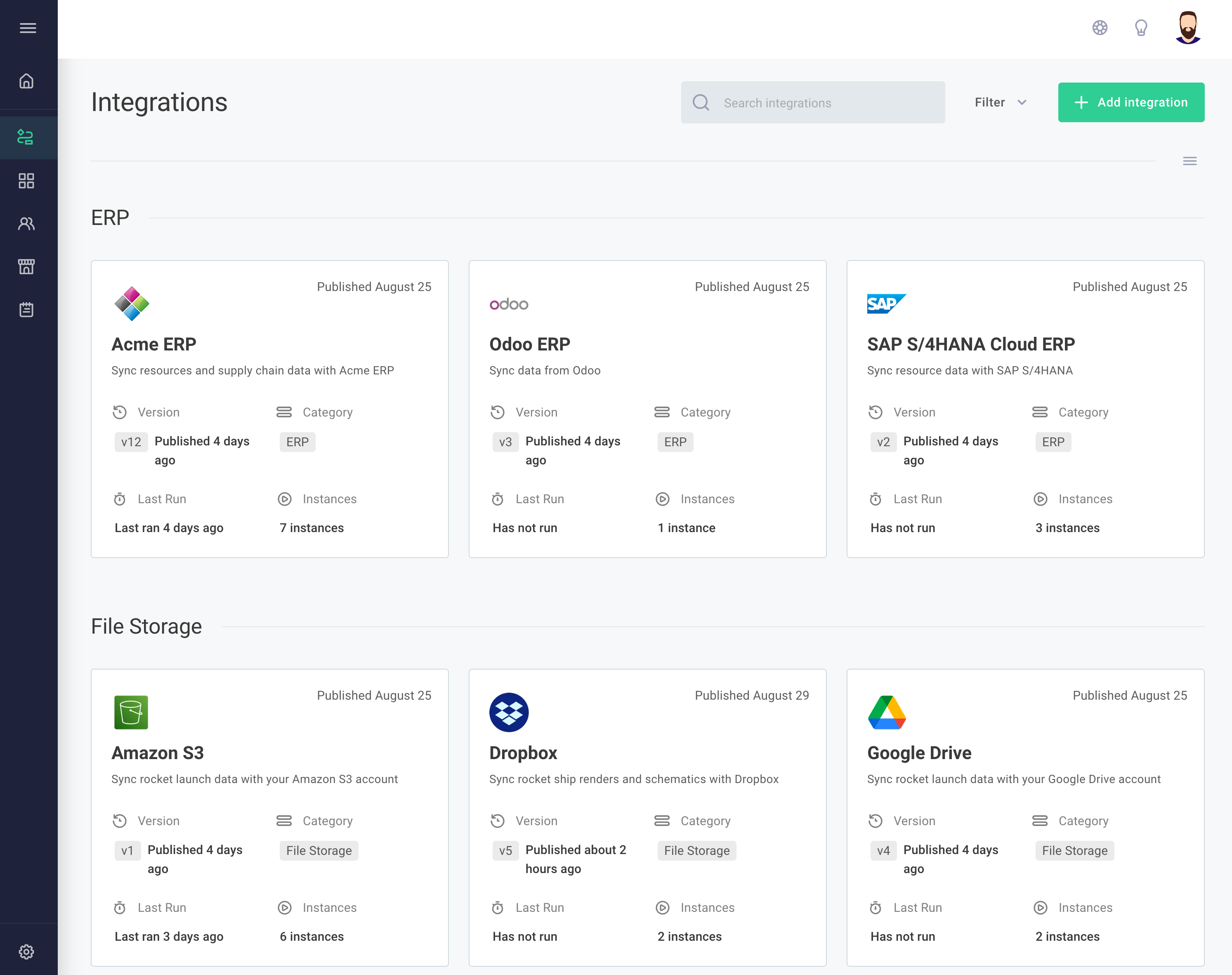
You've probably noticed that the Prismatic UI has gotten a facelift! Based on everything we've learned over the last couple of years, we've improved the UI to feel better and be more intuitive.

UI


UI

Granular Permissions for Third Parties

You can now invite third-party vendors to log in to Prismatic with limited access to your integrations, custom components, and customers. This is helpful if you need to collaborate on a new integration with a third-party vendor. You can grant them view or edit access to a particular integration or set of custom components, which allows them to test the integration against their app or service. You can debug and iterate faster on integration and custom component development, and can have one central place to view logs and test runs. You can also view logs of each test a third-party vendor performs to give you a sense of how their side of the integration development is progressing.

Permissions are granular - third-party users only see what they've been given permissions to see. So, if you're integrating with two competing companies, or even with one of your competitors, they are not given insight into the other integrations, custom components, or customers you have in your Prismatic account.

Read more about the third-party user role in our docs.