Headless configuration and Solis, the custom UI SDK, in early access
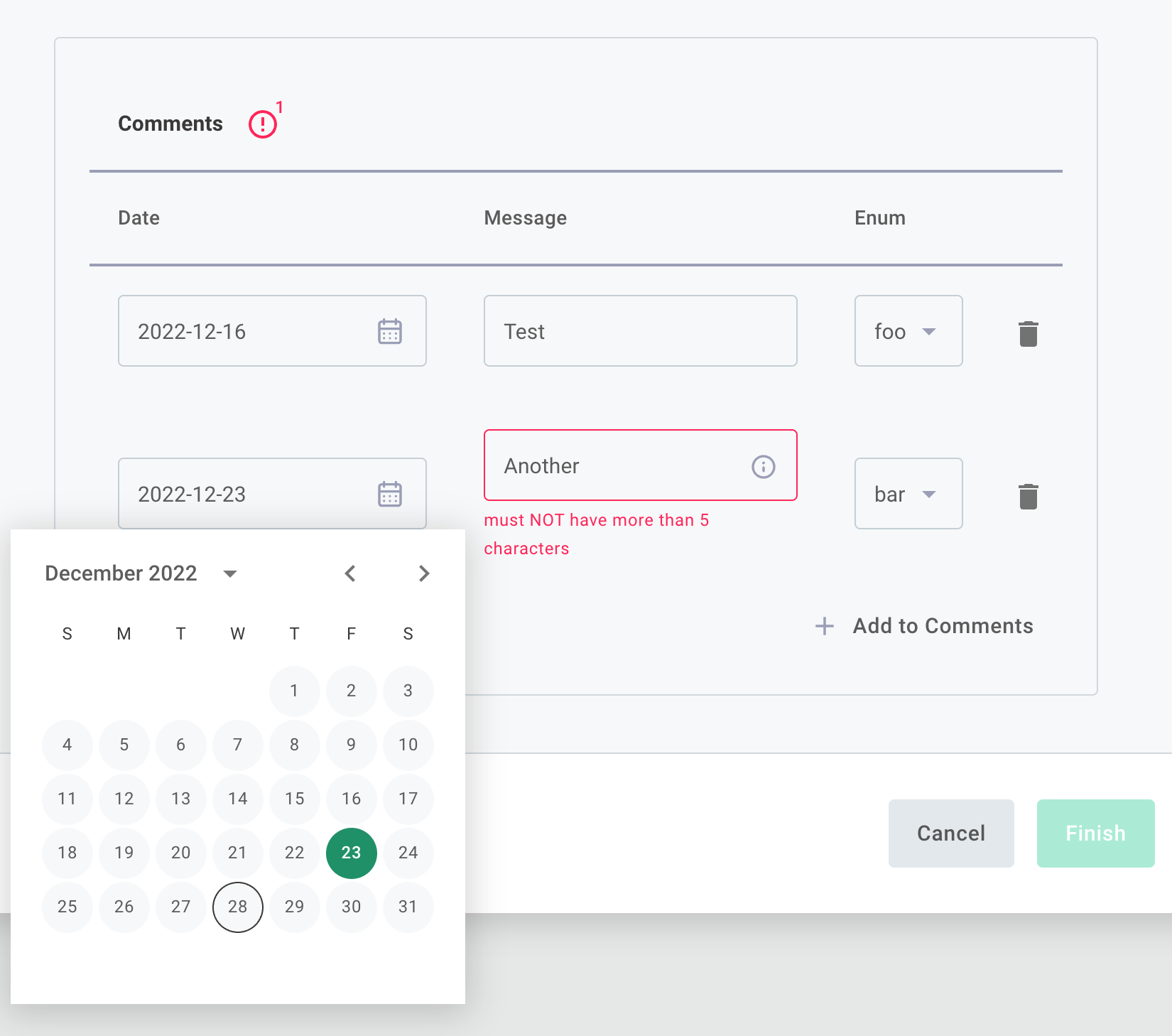
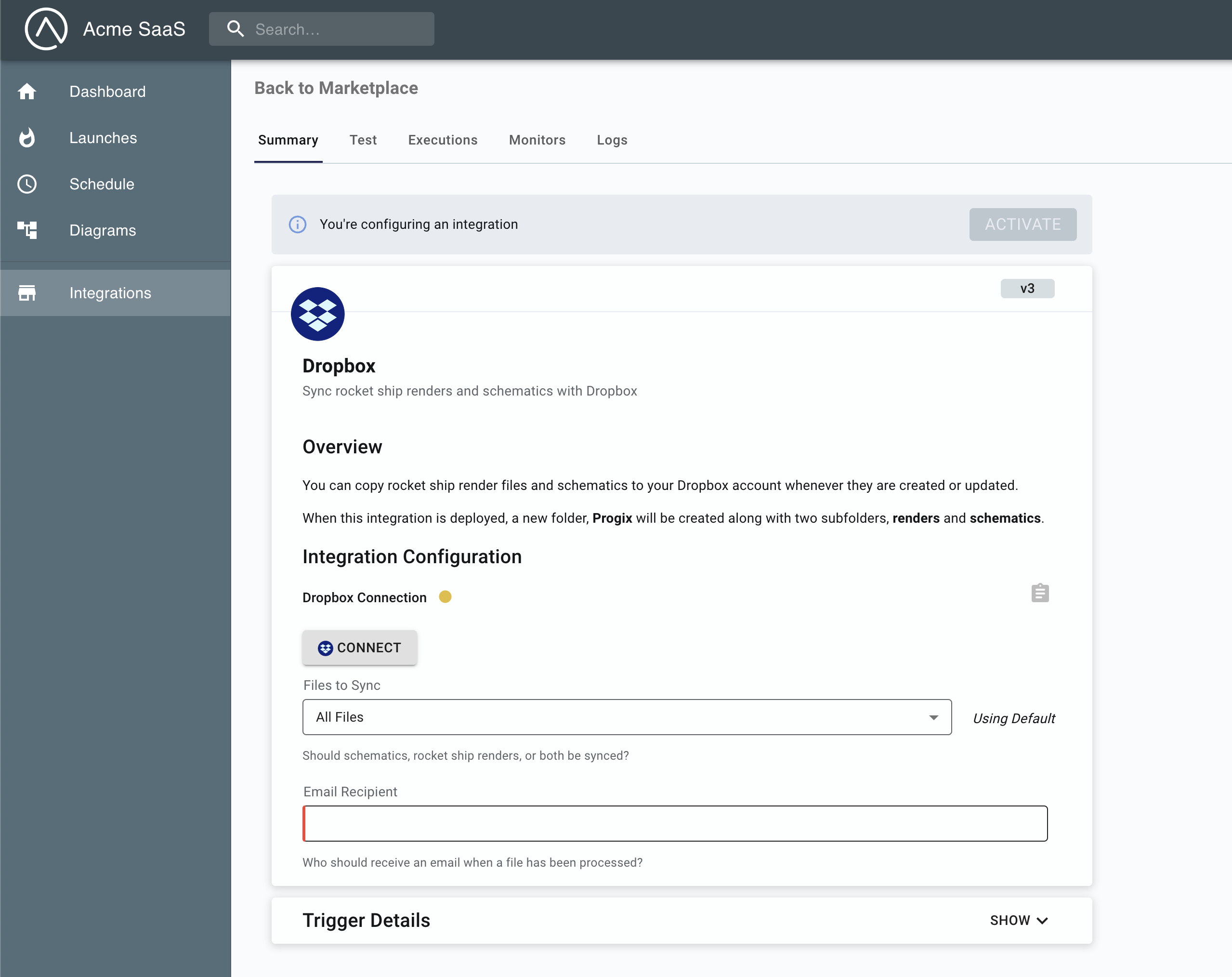
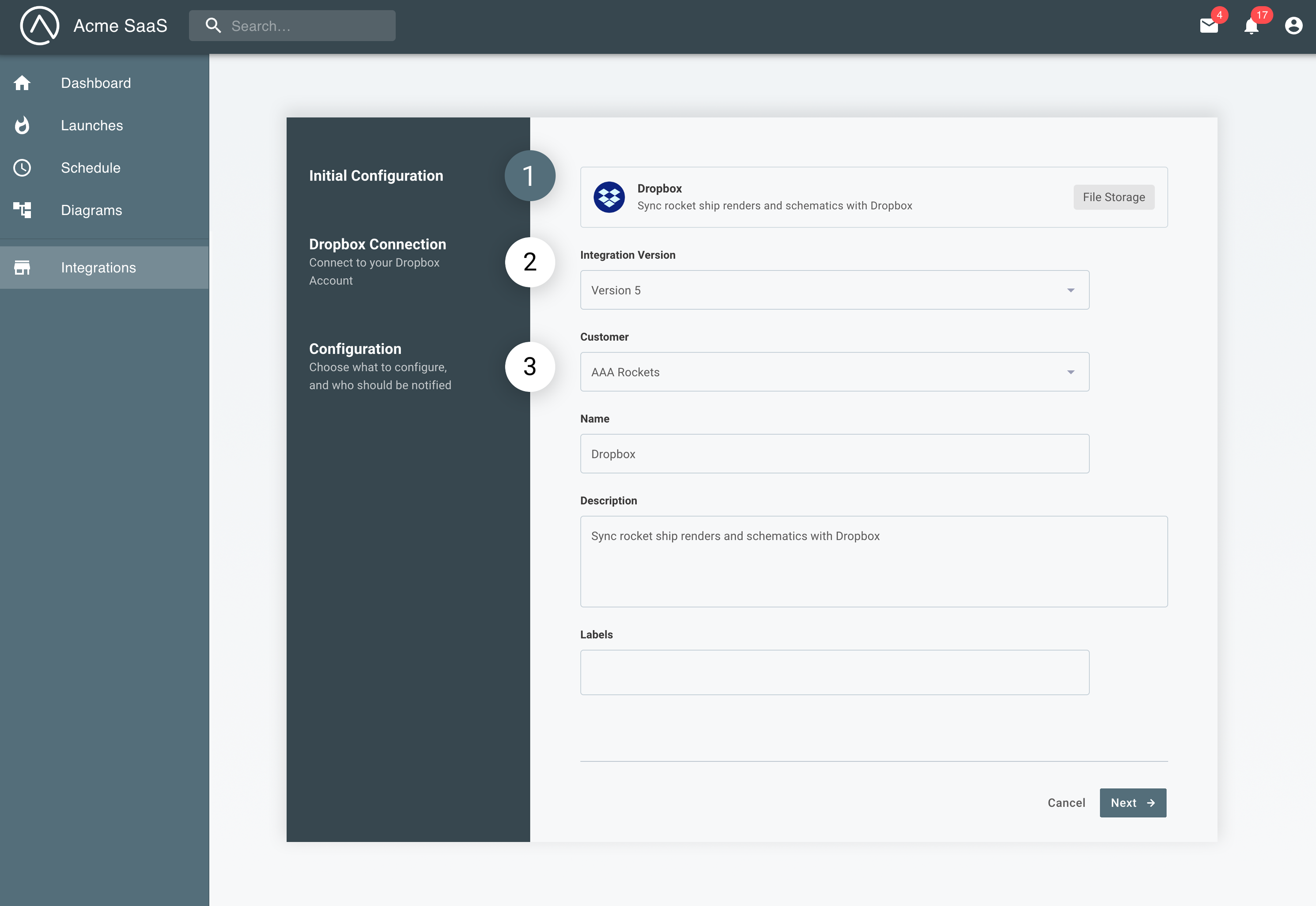
Headless configuration is now available in early access. With headless configuration, your customers configure integrations in your app's own UI instead of Prismatic's config wizard, so you can build rich configuration experiences, like field mappers with live previews, that feel native to your product.
Headless configuration has two parts:
- In your code-native integrations, you define the shape of the configuration with a zod or JSON Schema, an
initfunction that suggests starting values and migrates saved values between versions, and server functions your app calls for dynamic data. Prismatic validates and stores the values, and your flows read them with their real types fromcontext.configuration. Scheduled flows can use a fixed schedule, orschedule: { fromDeployer: true }to let the customer choose the schedule while configuring. See Headless configuration. - In your app, Solis is Prismatic's new custom UI SDK for building rich configuration experiences.
Solis React (
@prismatic-io/solis-react) provides hooks to list your marketplace, run an integration's server functions, and save and deploy instances, while your app renders every screen. See Solis.
To try it end to end, follow Get started with headless configuration, which walks through a Fake CRM integration and its configuration page in the example embedded app.
Headless configuration is available for code-native integrations. If you'd like early access, please reach out to your Prismatic account manager.