Changelog

Prismatic Changelog

Stay up to date with the latest changes and improvements to our product.

New Components - January 2023

Our list of built-in components continues to grow. A full catalog is available here. This past month, we added:

  • HTML Utils - Helpful HTML-related functions for building HTML documents and HTML-based emails
  • JSON Forms - Create powerful custom forms for the configuration wizard
  • Marketo - Manage Marketo records
  • MessagePack - Efficiently serialize or deserialize data into a JSON-like format
  • Microsoft Outlook - Read and manage Microsoft Outlook calendars
  • NetSuite - Manage NetSuite records

JSON Forms Config Variables

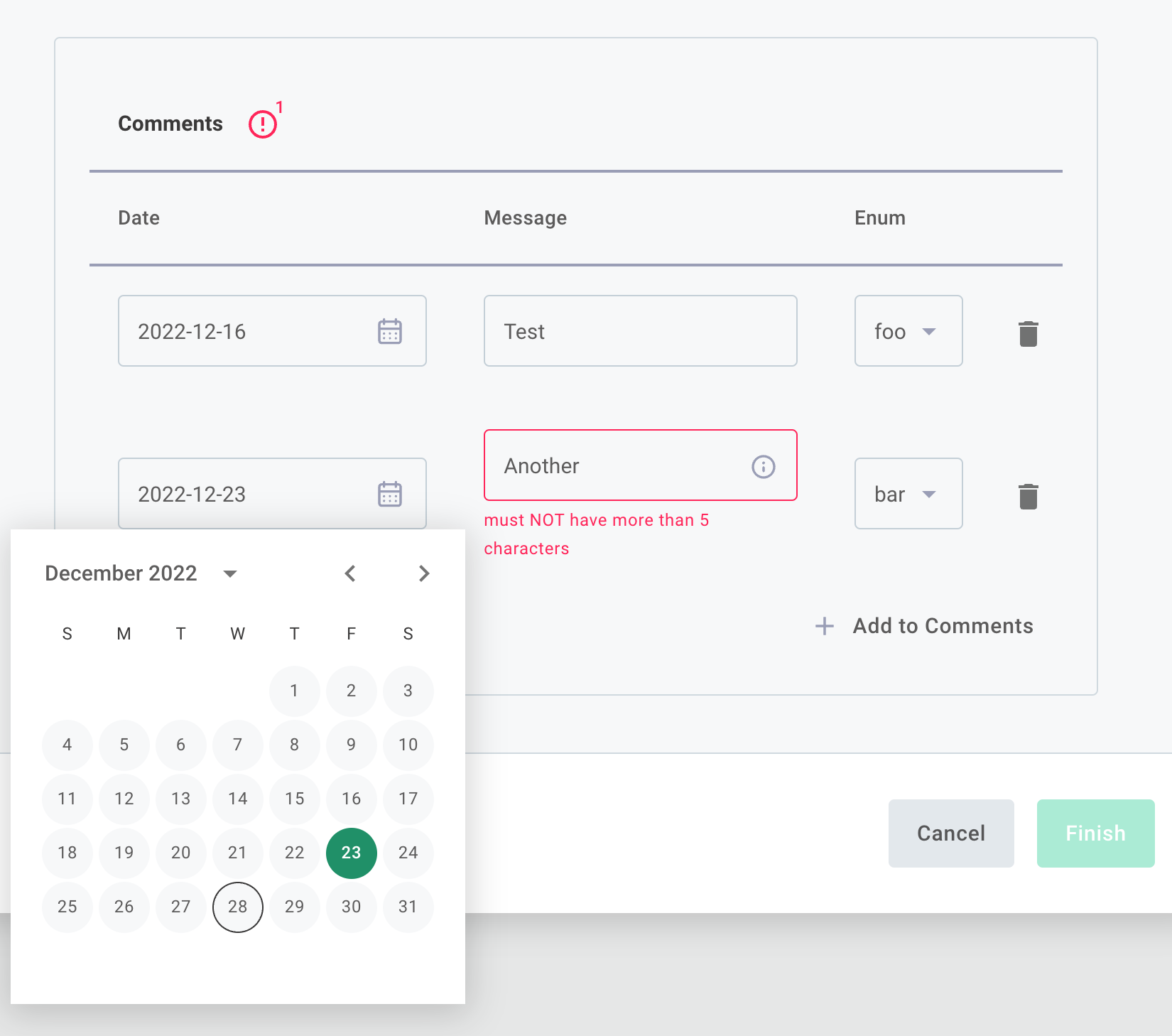
We've integrated JSON Forms into our configuration wizard to give you more control over your users' integration configuration experience. You can build a static JSON form using the built-in JSON Forms component, or create dynamic configuration experiences by adding JSON Forms data sources to your custom components.

JSON Forms in the configuration wizard

New Components - October / November 2022

Our component team has been busy! A full catalog is available here. In October and November we added:

  • GraphQL - Make GraphQL requests (queries and mutations) to a GraphQL-based API
  • Microsoft Bing Ads - Manage Microsoft Bing Ad Customer Services
  • Microsoft Bot Framework - Manage conversational interactions across platforms using Microsoft Bot Framework
  • Microsoft Outlook - Read and manage Microsoft Outlook calendars
  • Odoo - Manage records in an Odoo database
  • Zoho - Manage records, users, and more in your Zoho CRM and Books apps

User Level Configuration

We're proud to introduce a new instance configuration option - User-Level Configuration (ULC).

What is ULC? ULC helps when multiple users of a single customer all need an integration. It allows you to configure a single instance of an integration for a customer, but collect configuration from multiple users and execute using user-specific configuration.

Why use ULC? ULC is handy if your integration requires user-specific config variables and credentials. For example, suppose your app needs to write data to several users' private Dropbox folders. With ULC, you can collect connection information for several users within a customer, and integrate with each of their individual Dropbox accounts.

How does ULC work? At a high level, a single instance of an integration is deployed to a customer, and is configured with some customer-wide config variables. Individual users within the customer, then, go through a ULC config wizard and supply user-specific credentials and config variables. When the instance runs, it pulls in user-specific configuration depending on some rules you set.

Read more about ULC in our docs.
Source Code for Prism and Marketplace

Source code for the @prismatic-io/prism CLI tool and the embedded marketplace library, @prismatic-io/marketplace, have been added to public repositories on GitHub.

prism wraps the Prismatic API and provides users a way to perform CRUD (create, read, update, delete) operations on a variety of Prismatic resources (components, integrations, instances, customers, etc.) from the command line. Having it publicly available provides a great reference for developers looking to wrap the Prismatic API themselves.

The two projects join the custom component SDK, @prismatic-io/spectral, which was already publicly available:

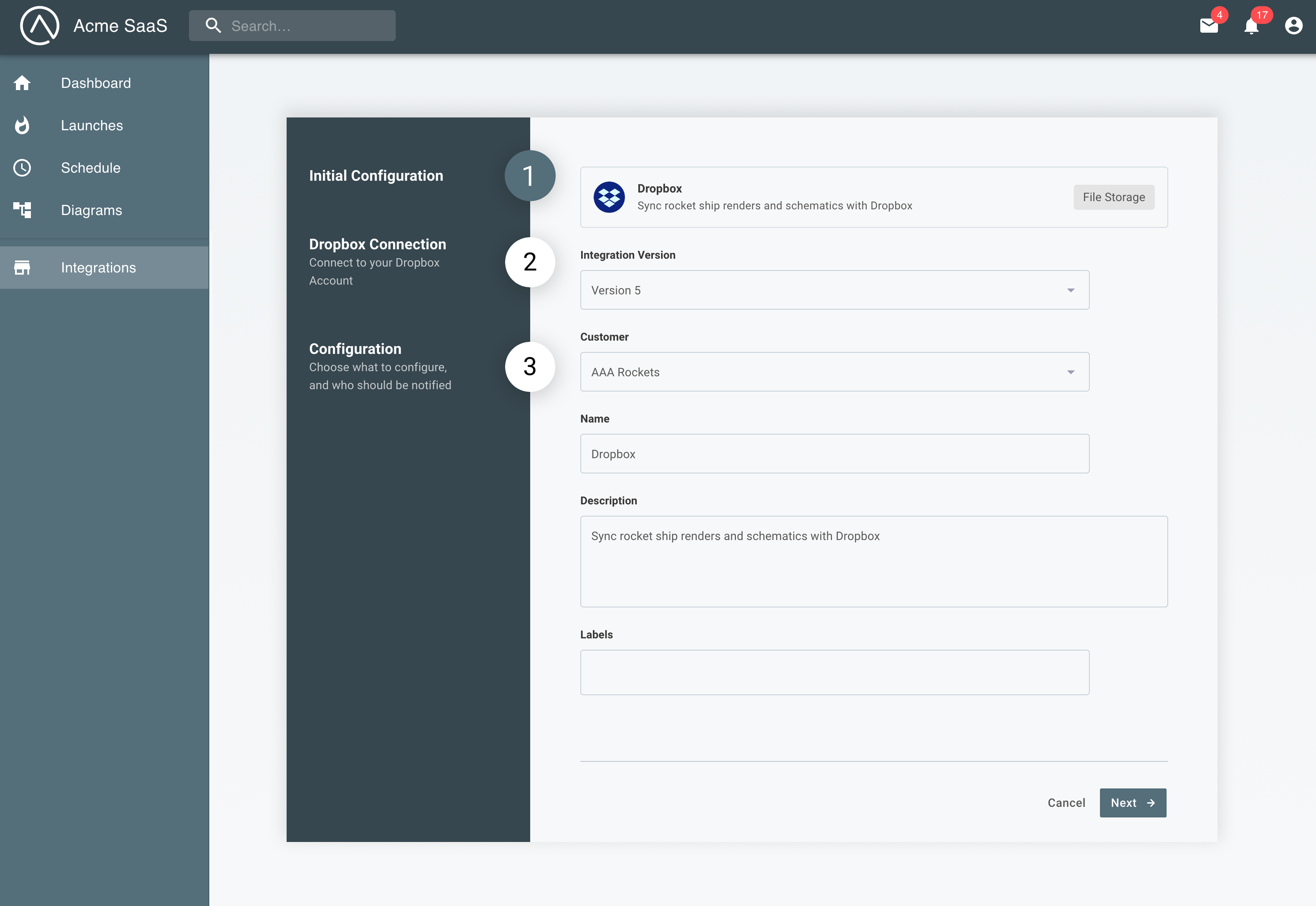
Re-imagined Instance Configuration Wizard

We've overhauled the way deploy-time configuration management works, making it much more flexible and dynamic.

It's a wizard now, so you can split complex configuration pages in a way that's intuitive to your customers. Any existing configuration pages will simply become part of a one page wizard, so everything will continue to work as-is.

Read more about the configuration wizard designer on the Config Wizard docs page.

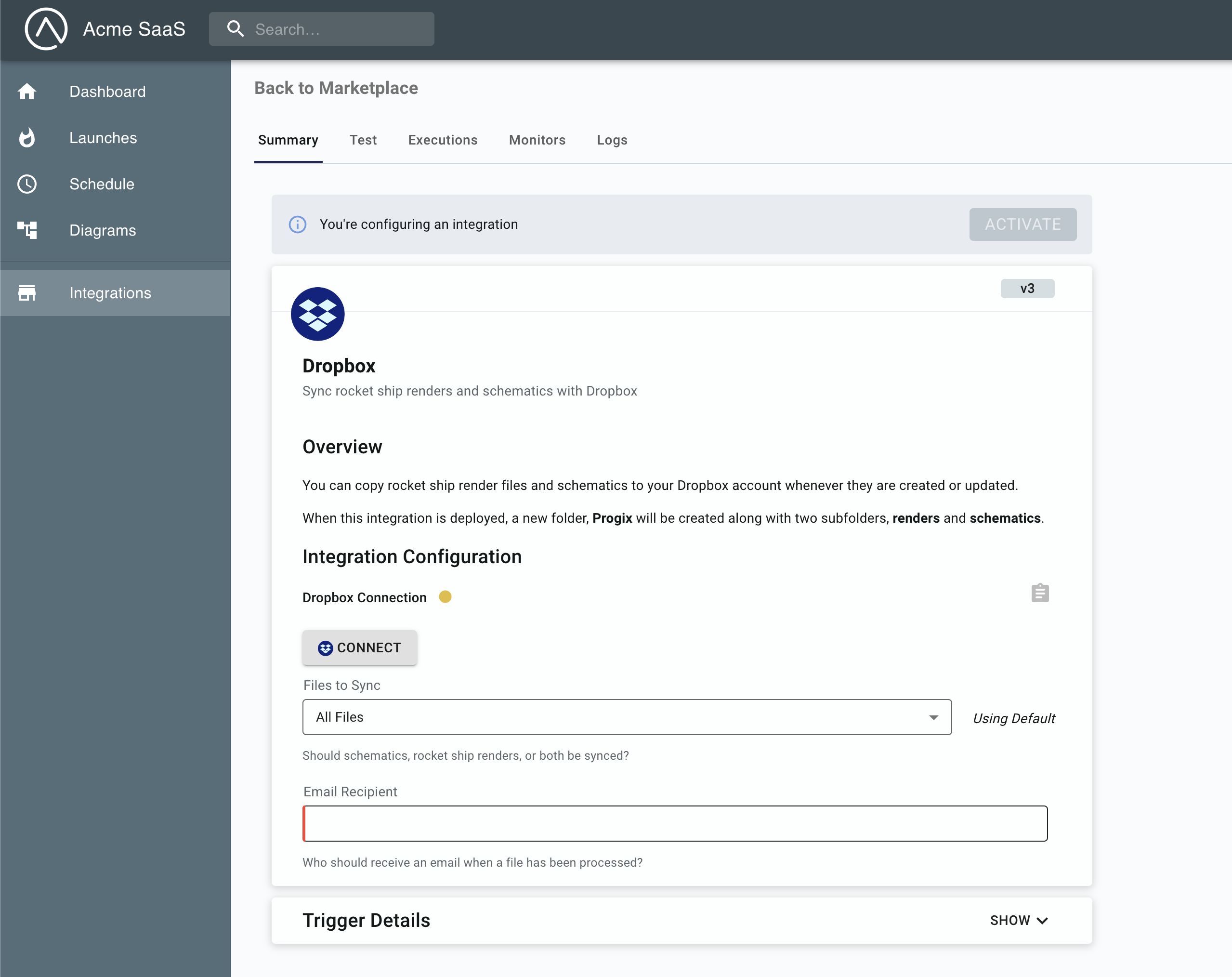
Embedded Instance Configuration Experience


Embedded Instance Configuration Experience

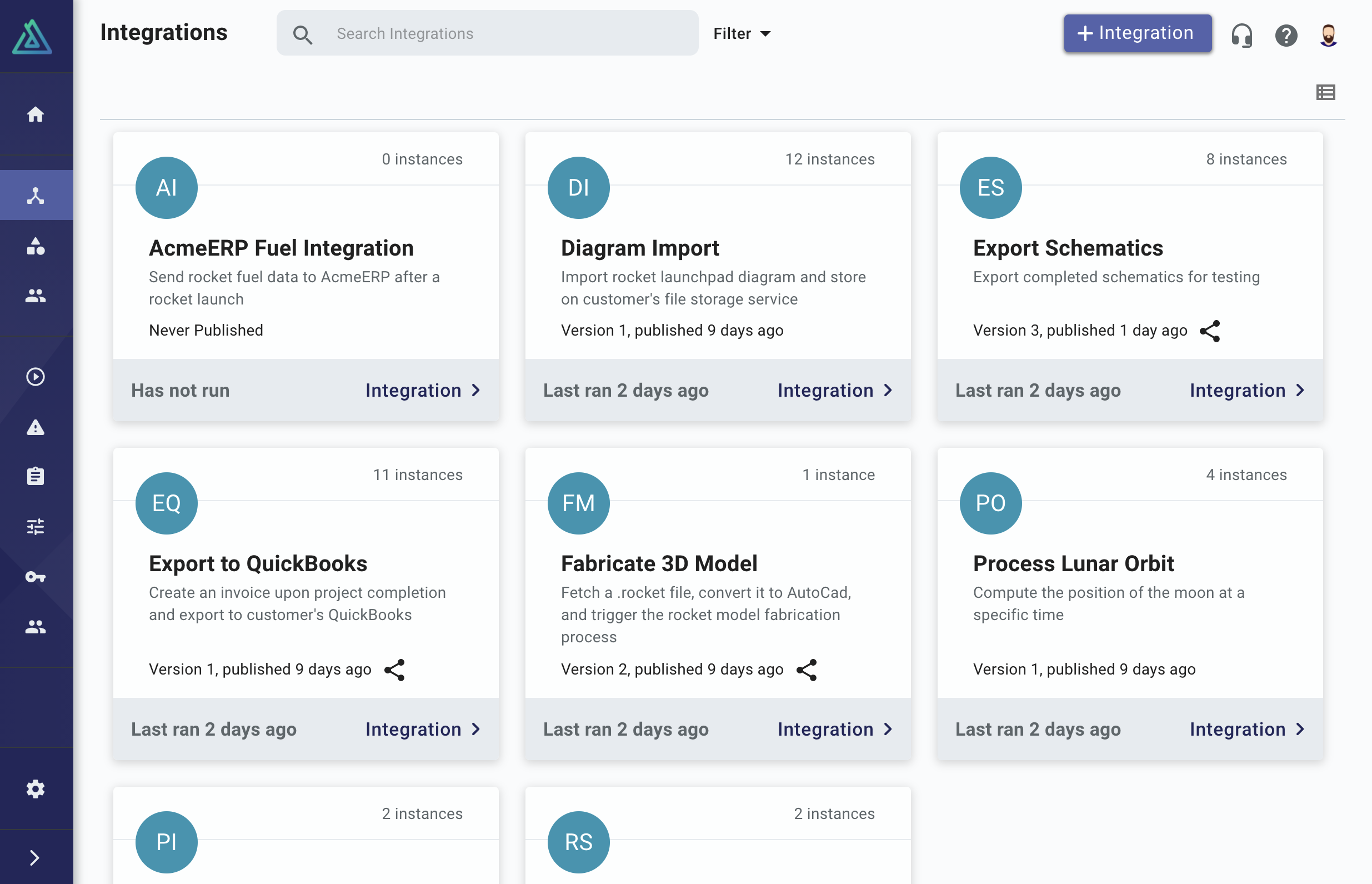
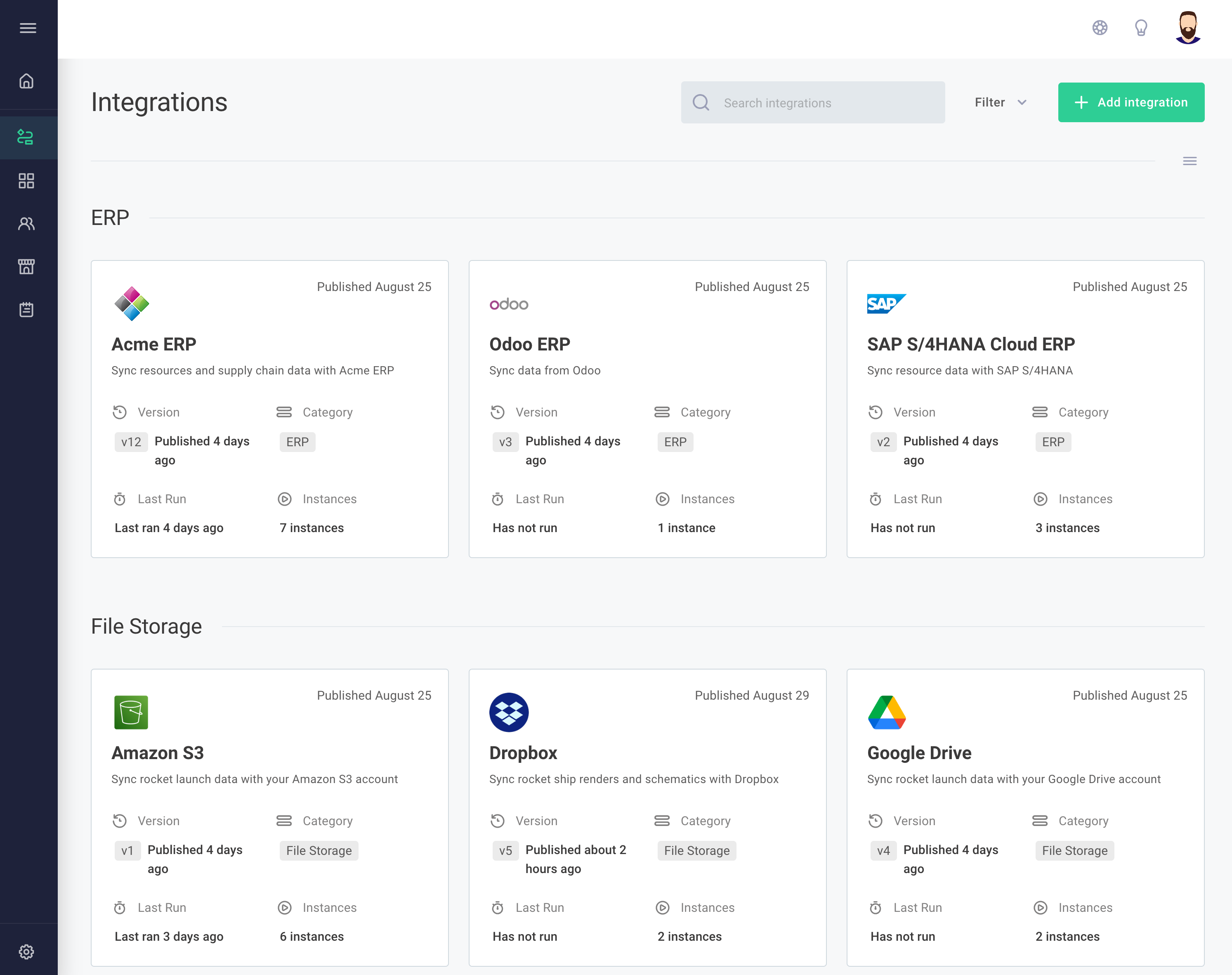
UI Redesign

You've probably noticed that the Prismatic UI has gotten a facelift! Based on everything we've learned over the last couple of years, we've improved the UI to feel better and be more intuitive.

UI


UI