Connection management has been streamlined
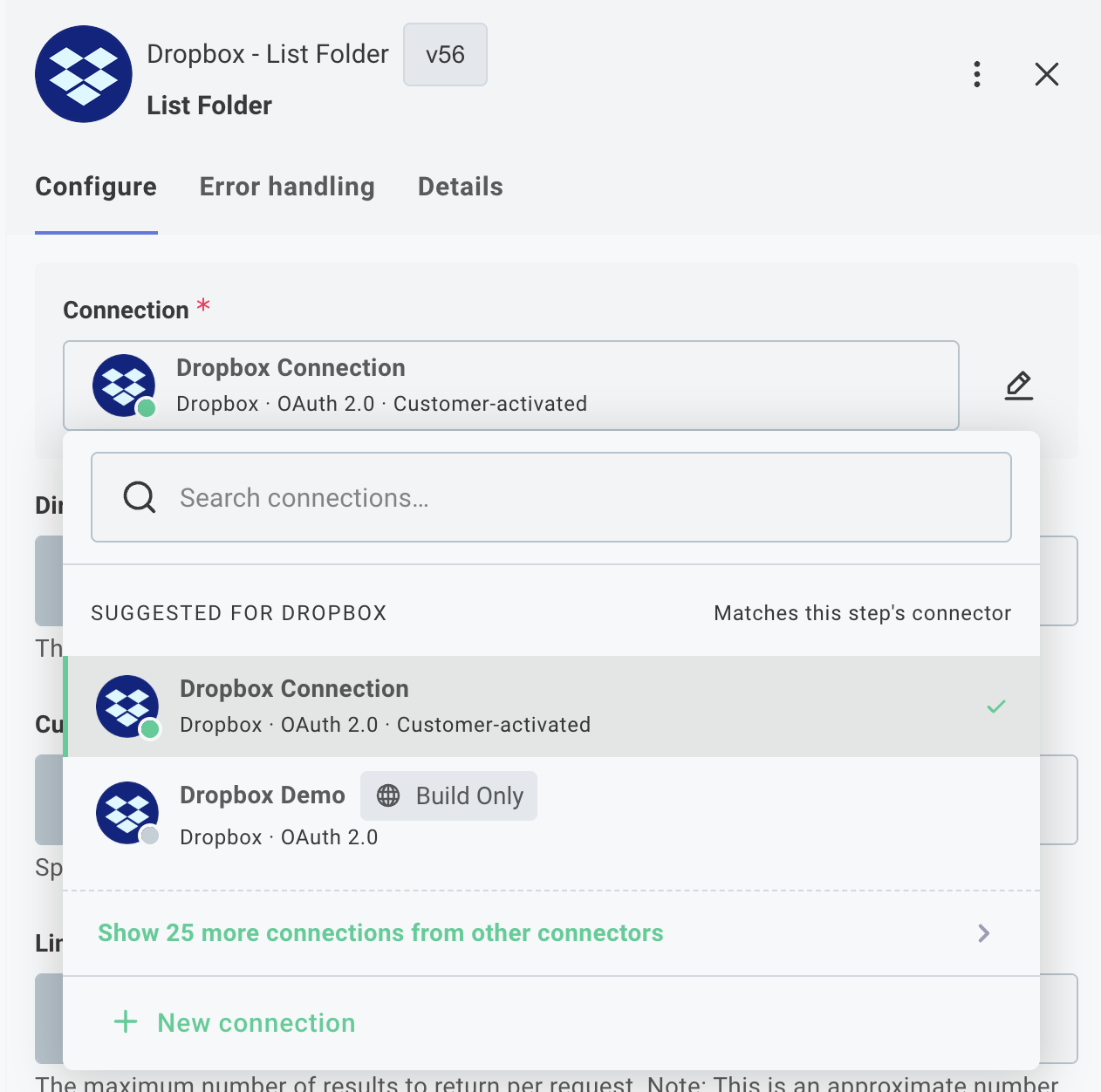
We've refreshed how connections are set up and managed to make reusable connections a first-class part of building an integration.
A few things to know about the new experience:
- Reusable connections are now created and managed from the Components section. Search for a component, open its Connections tab, and click + Add Connection.
- You can also create reusable connections directly from the canvas - when picking a trigger, adding a step, or from a step's connection input field.
- A pencil icon next to a step's connection lets you edit it without leaving the canvas.
Existing connections, integrations, and instances continue to work without changes.