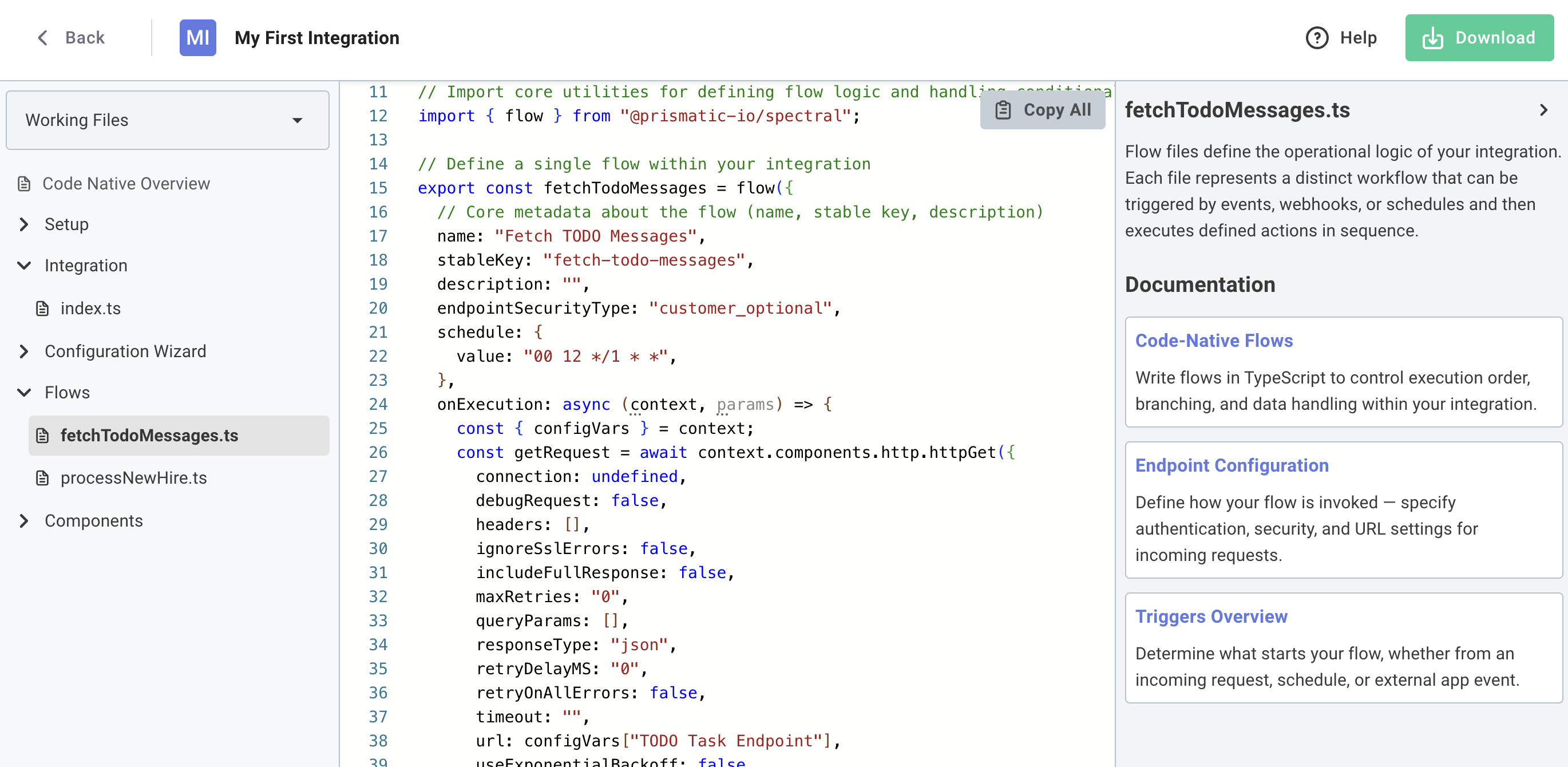
In-app Low-Code to Code-Native Converter
You can now convert low-code integrations to code-native directly within the Prismatic UI. This allows you to prototype a new integration quickly using the low-code designer, and then switch to code-native when you need more flexibility or control.
To get started, open any low-code integration and click Convert to Code. You'll get a preview of the generated code, and can choose to download a zip file containing the code-native TypeScript project.