Test Using Common MCP Clients
It's not likely that your customers will interact with your agent flows directly through tools like Claude or OpenAI, but you can use these MCP clients to test your agent flows as you're building them.
This article covers how to connect standalone clients like Claude Desktop, Claude Code, and Cursor to Prismatic's MCP flow server. For endpoint URLs scoped by region, integration, or instance, see MCP endpoints.
Authentication
Prismatic's MCP flow server uses OAuth 2.0 (similar to how you authenticate with the Prism CLI).
When connecting an MCP client to Prismatic's MCP flow server, your client will likely direct you to Prismatic's OAuth 2.0 consent screen in order to connect.
Alternatively, you can run prism me:token to generate a temporary access token that you can use to authenticate your client.
Provide the token as a bearer token to Prismatic's MCP flow server.
Client requirements
Prismatic's MCP flow server is designed to be used with any client that supports the current draft of the Model Context Protocol (MCP) specification. Specifically, your client must support the following:
- MCP OAuth as the means to manage authorization between your application and Prismatic, so your client implementation must provide this support.
- Streamable HTTP transport, not stdio, nor the legacy HTTP SSE.
Stand-alone clients can leverage the mcp-remote package to connect to Prismatic's MCP servers.
mcp-remote handles OAuth connection and stores your Prismatic token for you in $HOME/.mcp-auth/.
Claude Desktop
Here's a sample claude_desktop_config.json config file that will connect to Prismatic's MCP flow server.
You may need to adjust the URL to match your region.
{
  "mcpServers": {
    "prismatic": {
      "command": "npx",
      "args": ["-y", "mcp-remote", "https://mcp.prismatic.io/mcp"]
    }
  }
}
This instructs Claude to use the mcp-remote shim to connect to Prismatic's MCP server.
If successful, after editing your configuration file and restarting Claude, you should automatically be directed to an OAuth 2.0 consent screen to grant Claude access to your Prismatic environment.
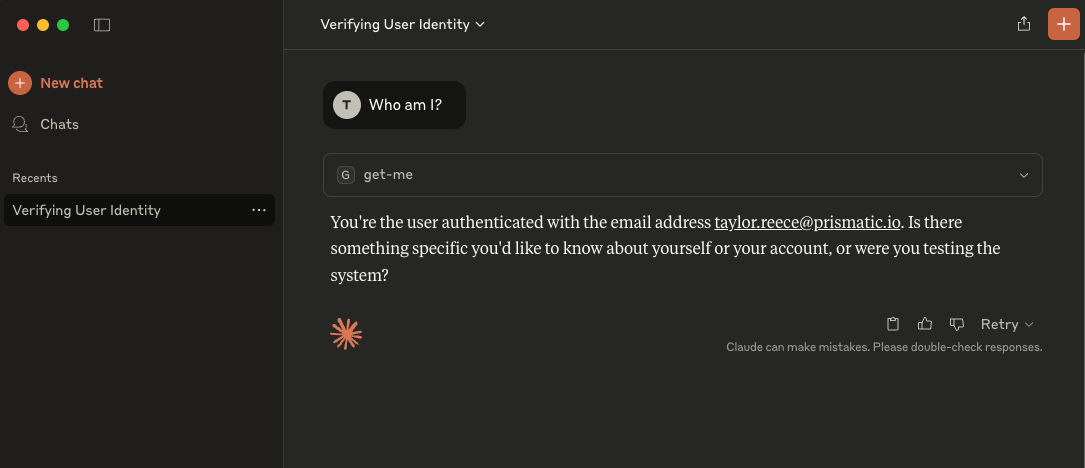
After authenticating, ask Claude "Who am I?".
Claude will use Prismatic's get-me tool (which is a default tool you'll have access to from Prismatic's MCP server).
Claude Code
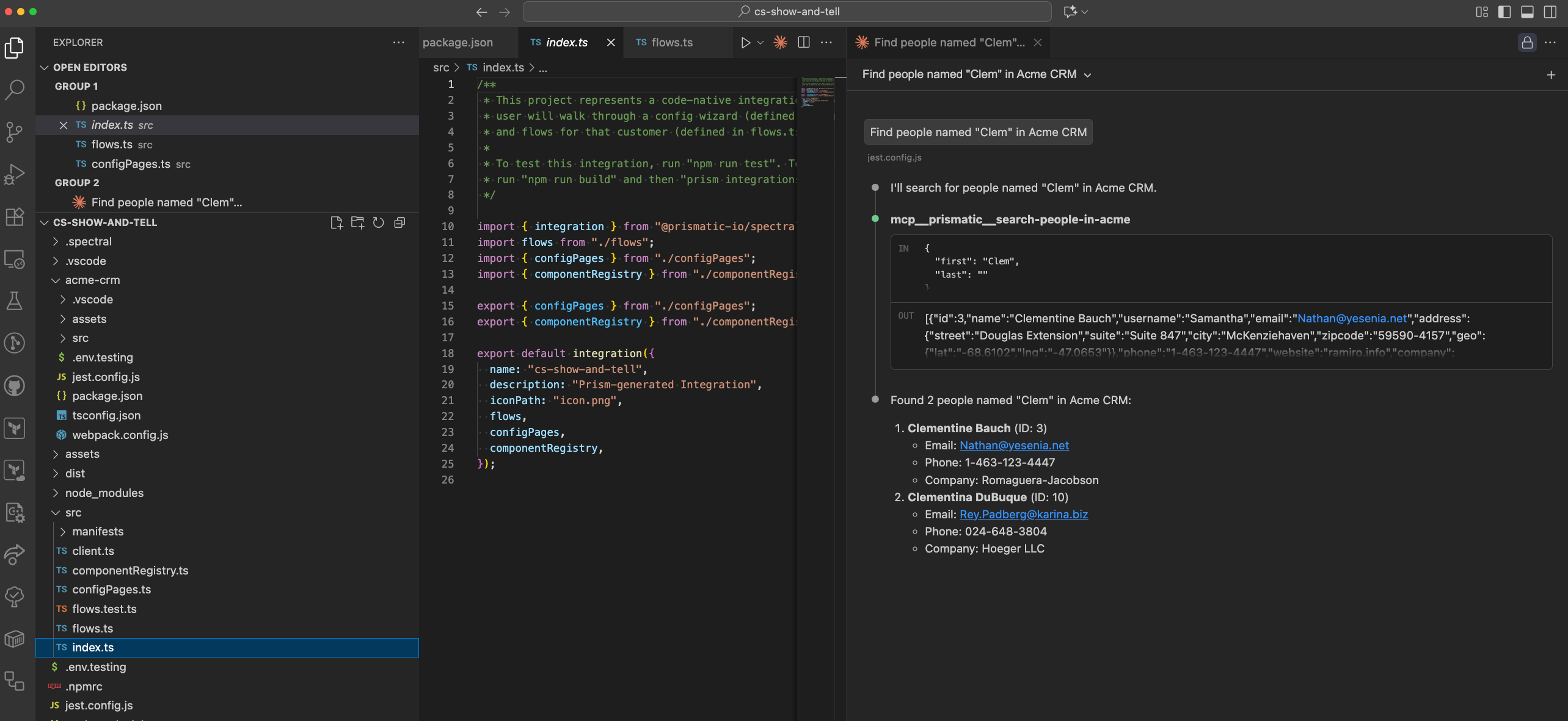
Similar to Claude Desktop, Claude Code uses the mcp-remote package to connect to Prismatic's MCP flow server.
Run this command to add Prismatic's MCP flow server to Claude Code:
claude mcp add-json prismatic '{"type":"stdio","command":"npx","args":["-y","mcp-remote","https://mcp.prismatic.io/mcp"]}'
You may need to run claude mcp list once in order for authentication to be successful.
Cursor
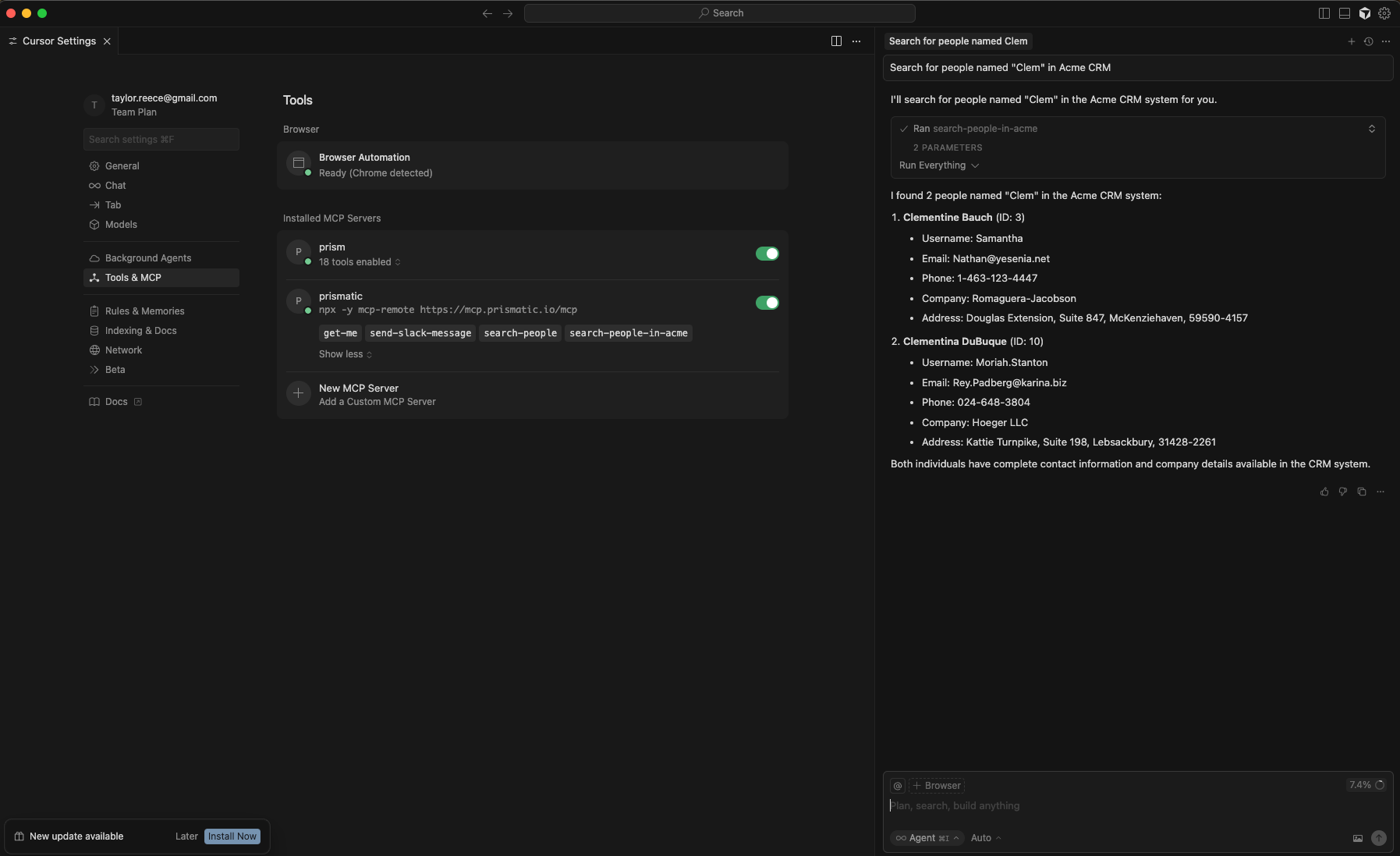
To add Prismatic's MCP flow server to Cursor, add this JSON to your mcp.json configuration file:
{
  "mcpServers": {
    "prismatic": {
      "type": "stdio",
      "command": "npx",
      "args": ["-y", "mcp-remote", "https://mcp.prismatic.io/mcp"],
      "env": {}
    }
  }
}
Alternatively, add Prismatic MCP to Cursor directly.